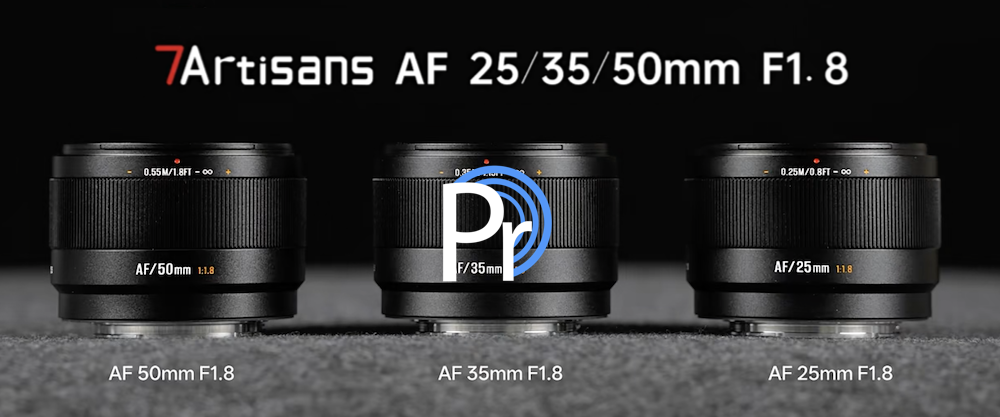
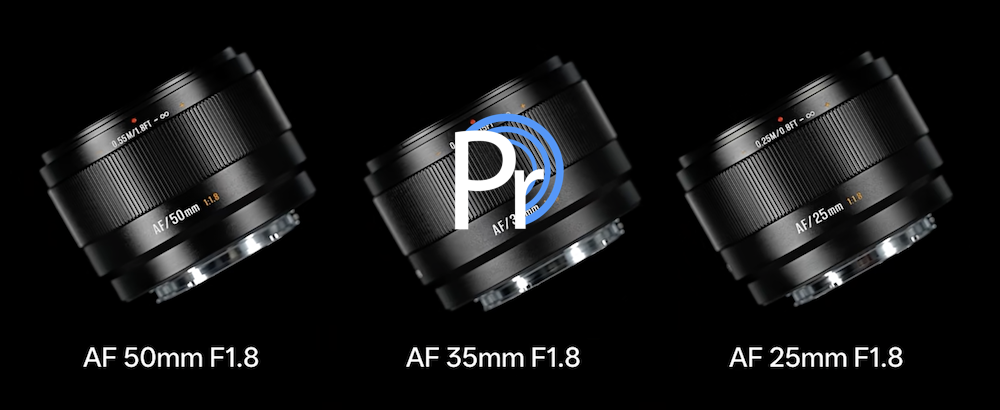
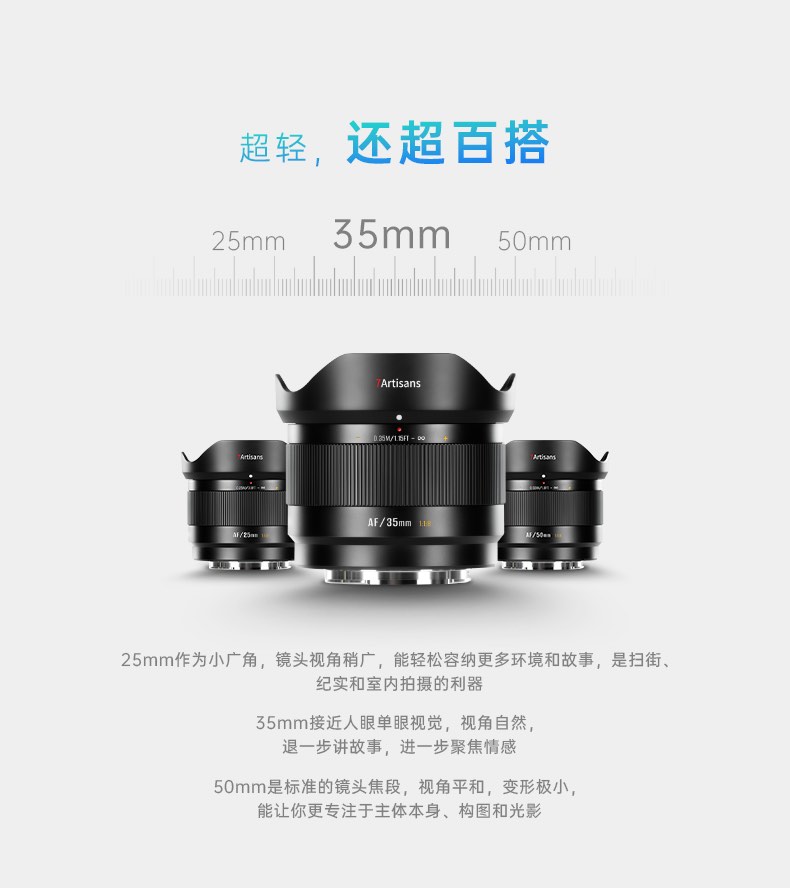
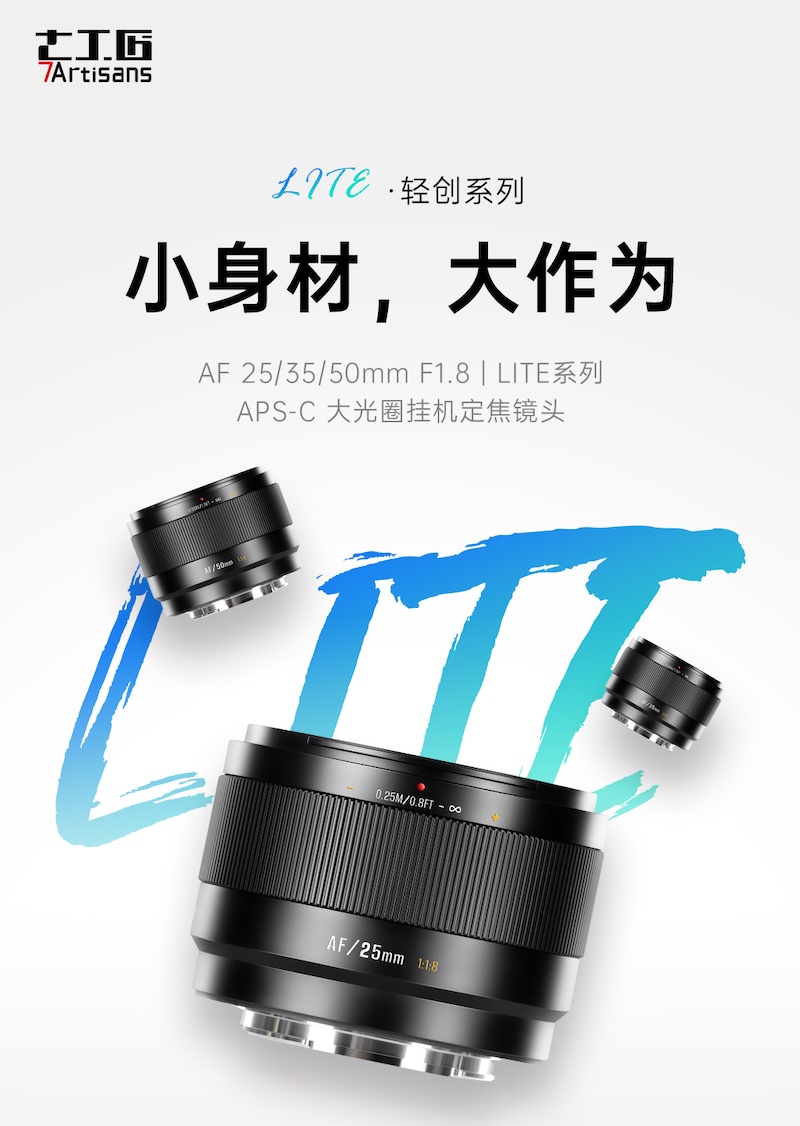
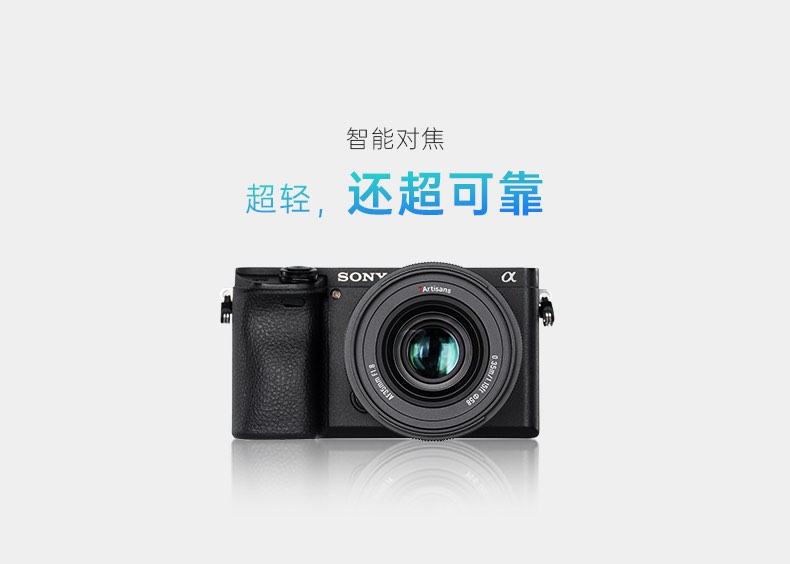
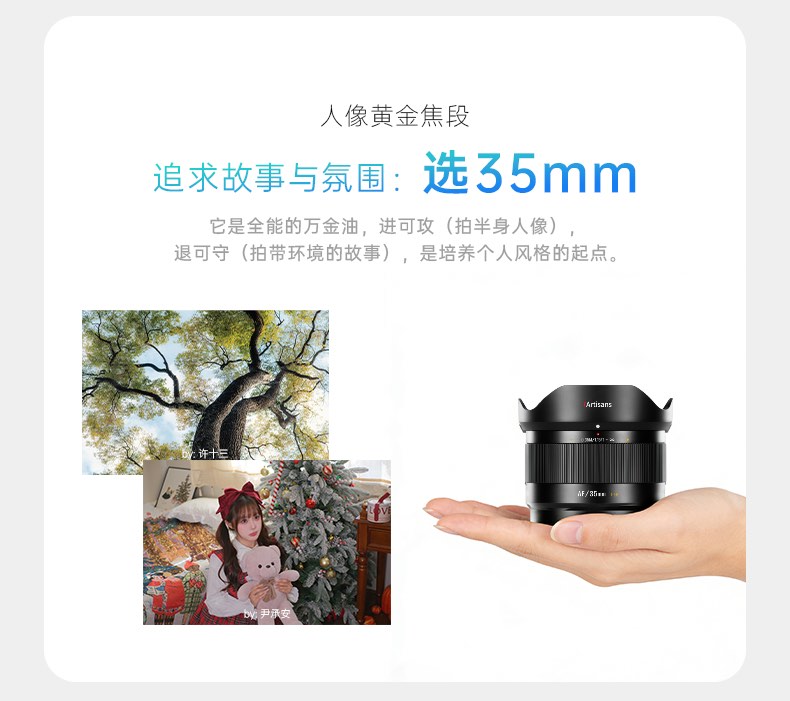
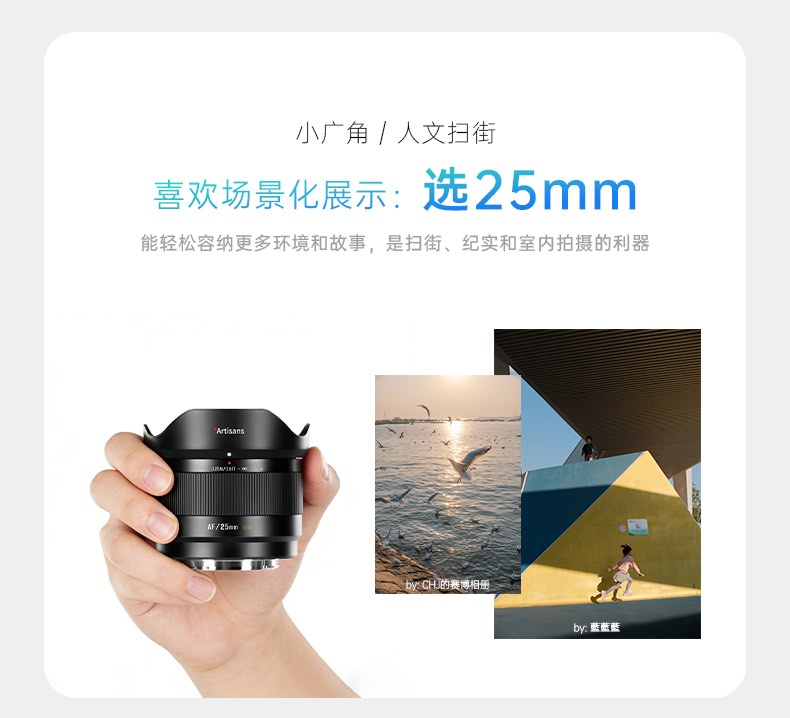
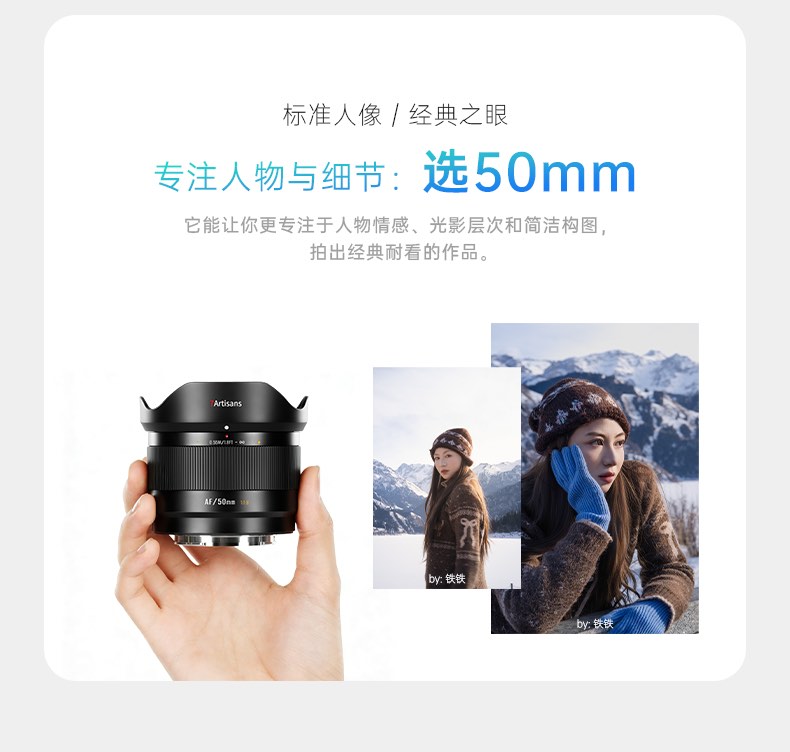
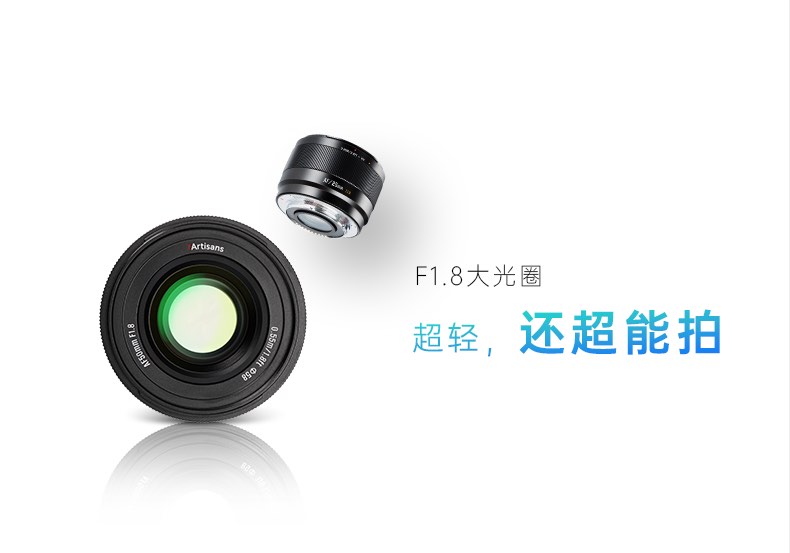
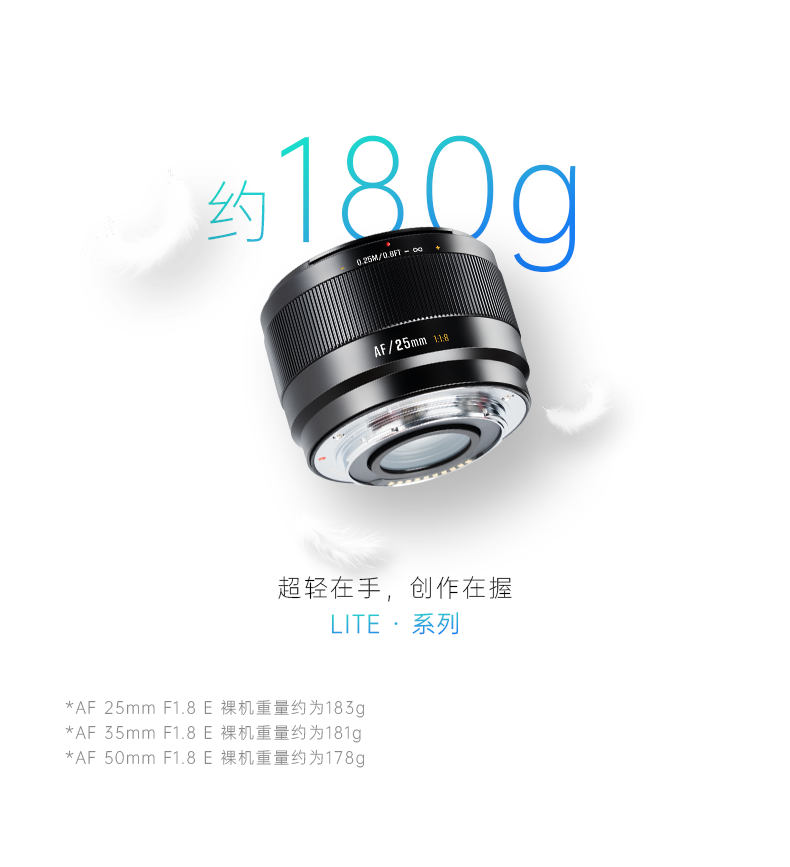
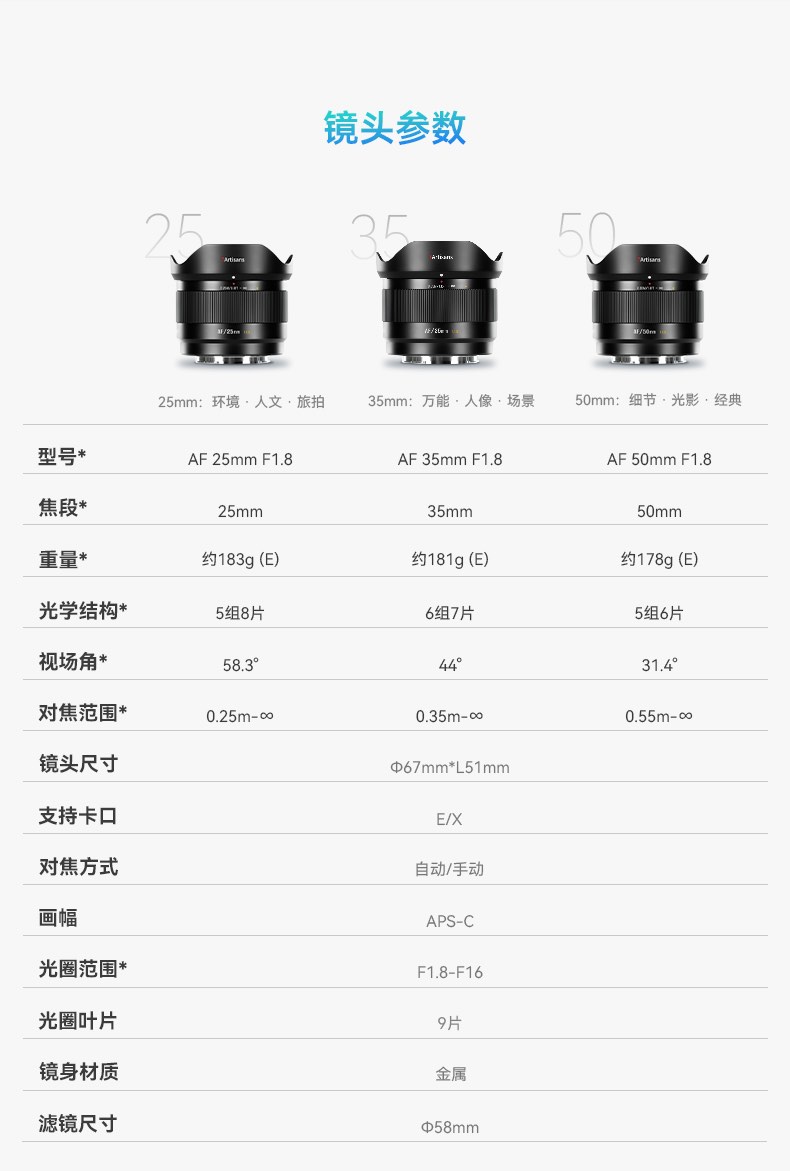
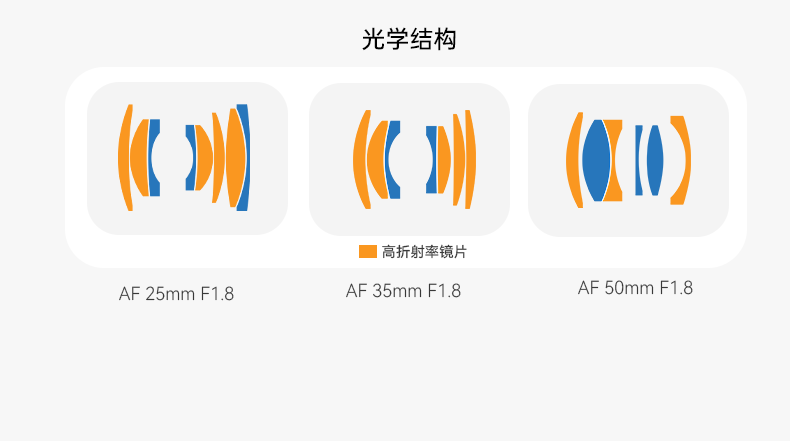
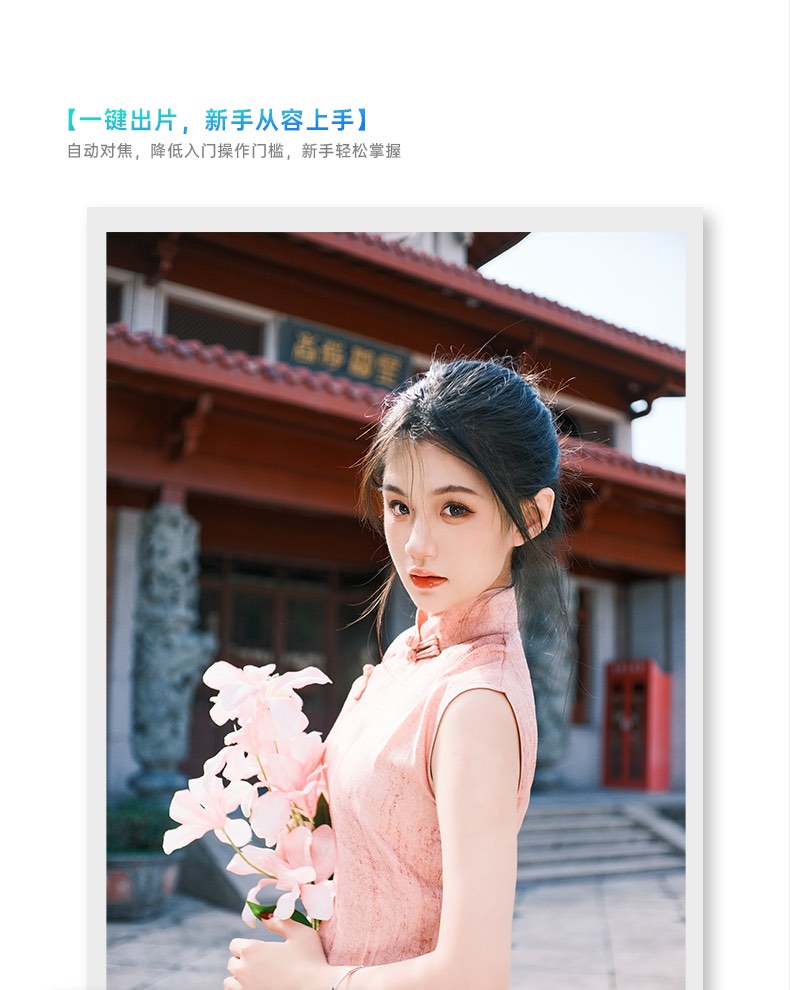
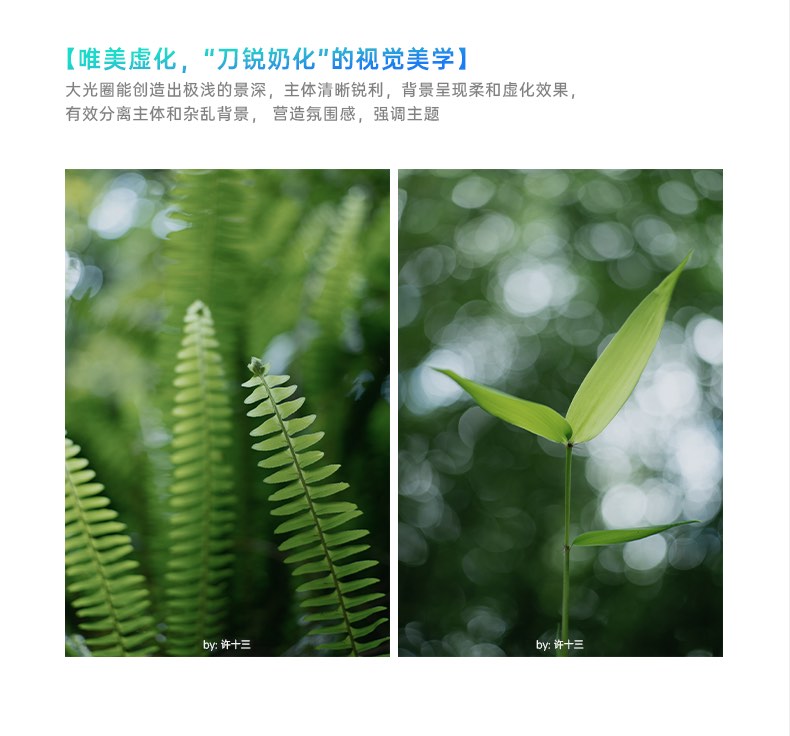
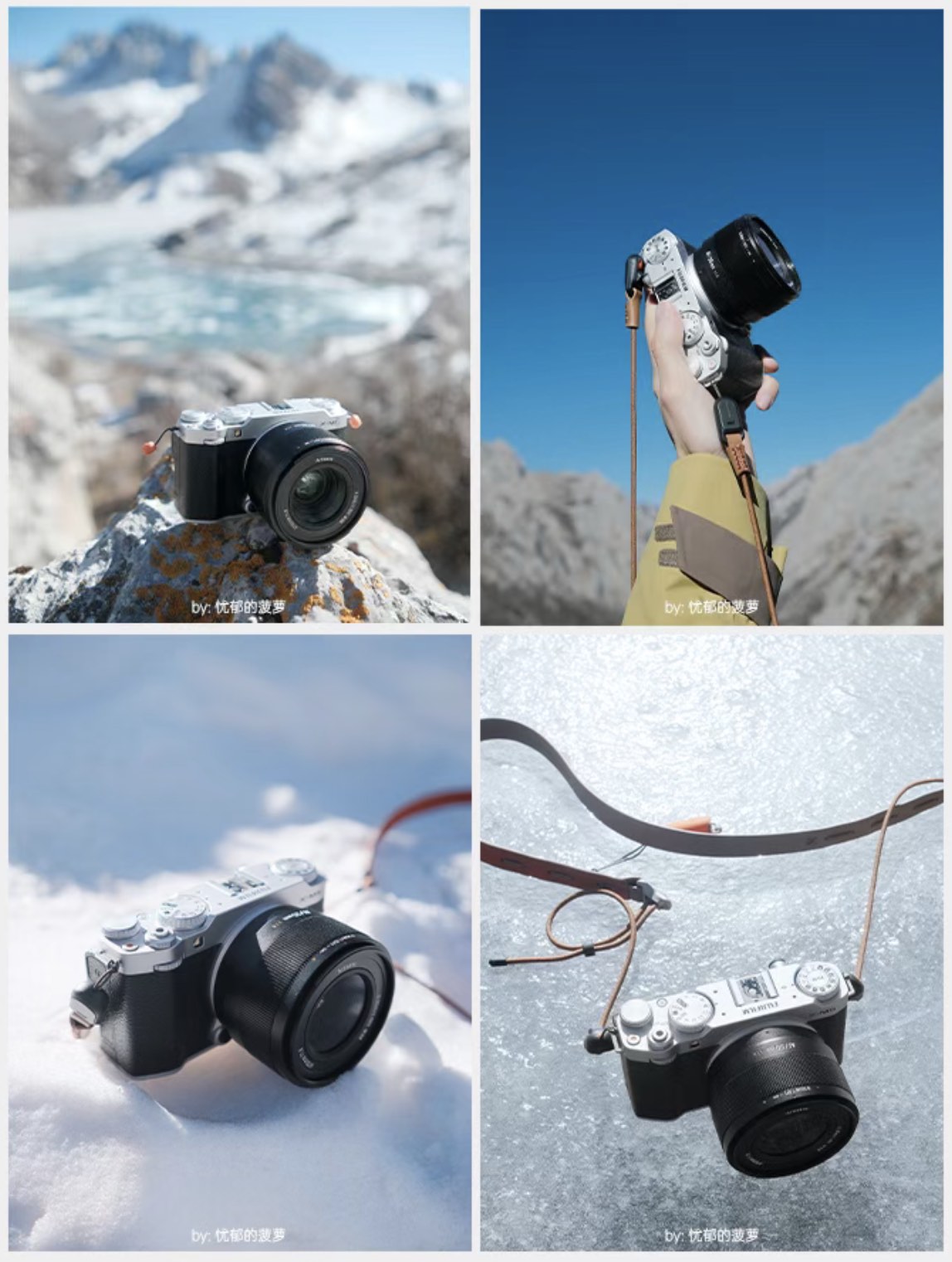
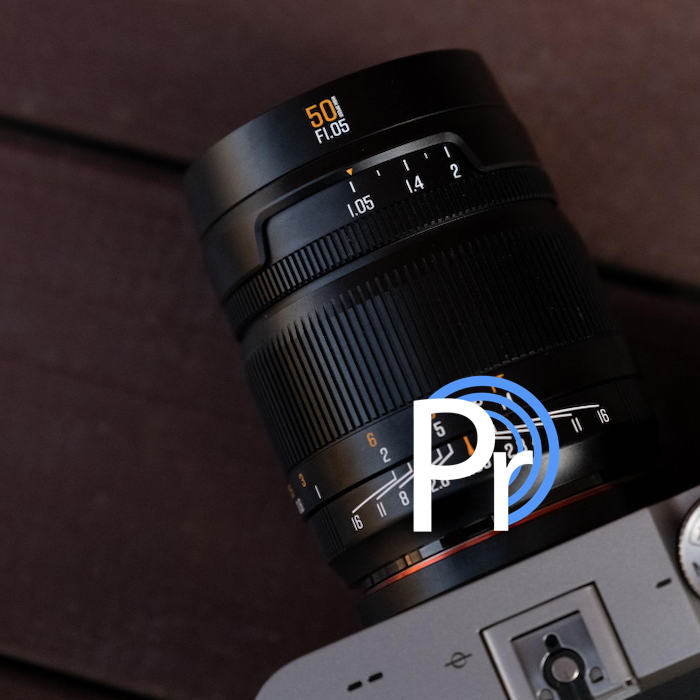
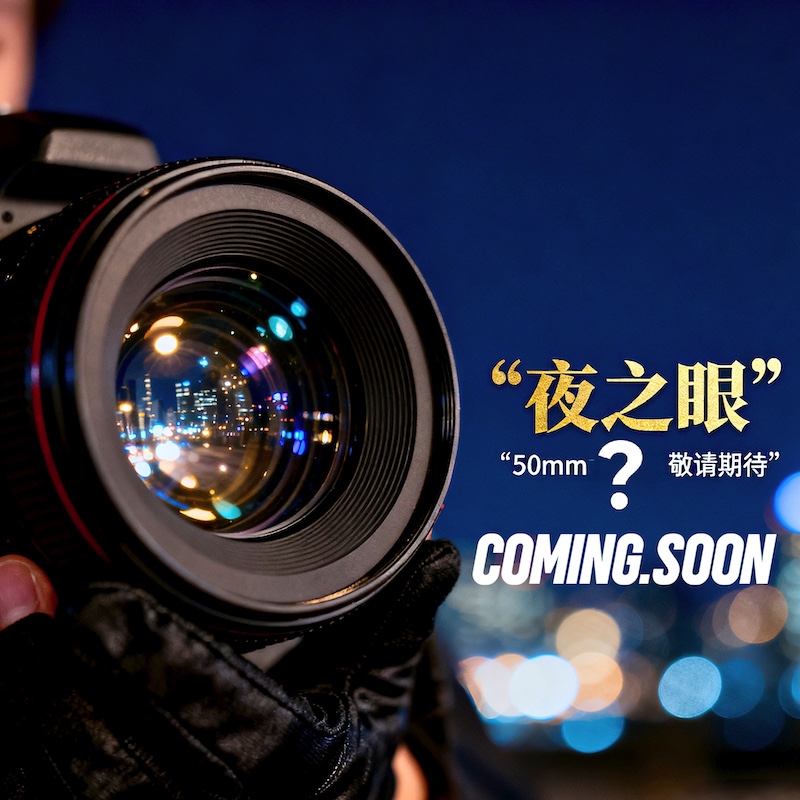
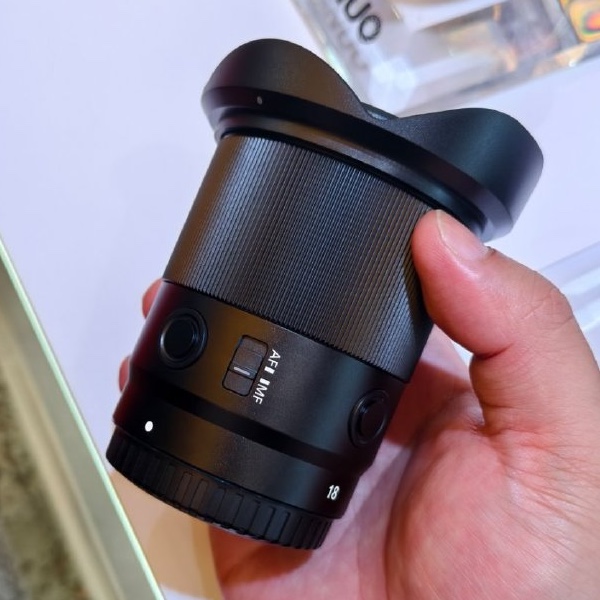
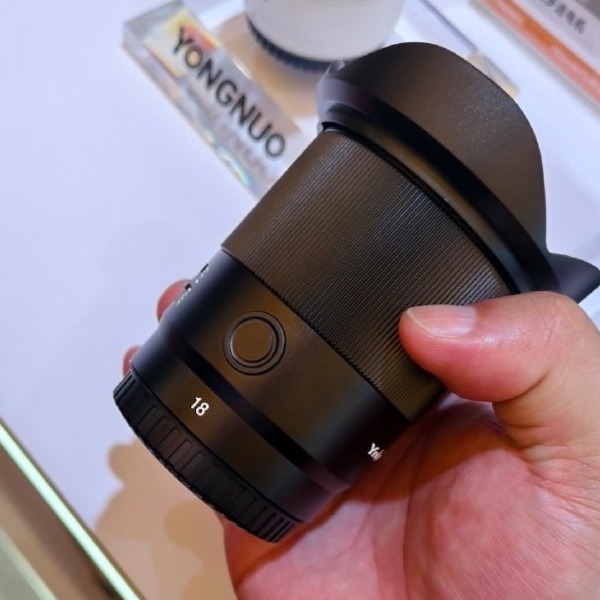
Here is some additional information on the previously reported new LITE line of 7Artisans AF 25mm/35mm/50mm f/1.8 APS-C autofocus lenses for Sony E and Fuji X mounts (check the 7artisans website for additional information):
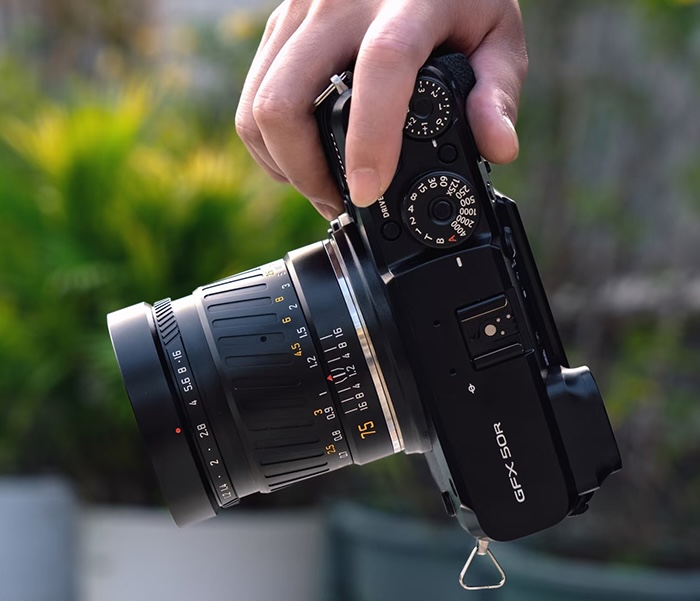
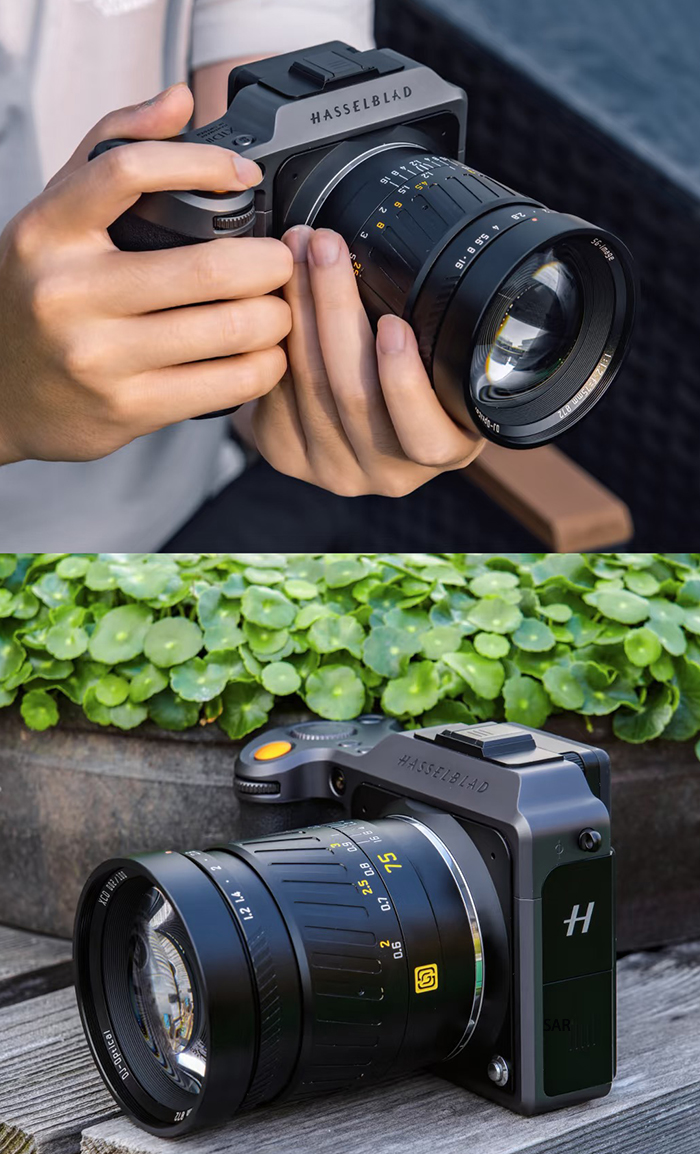
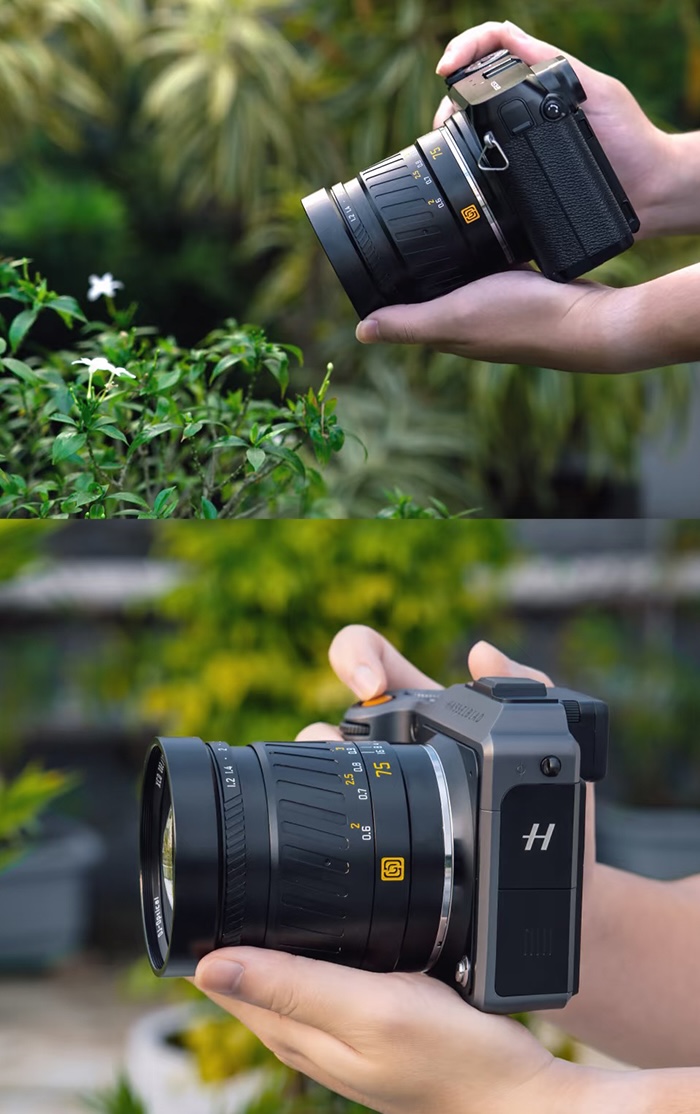
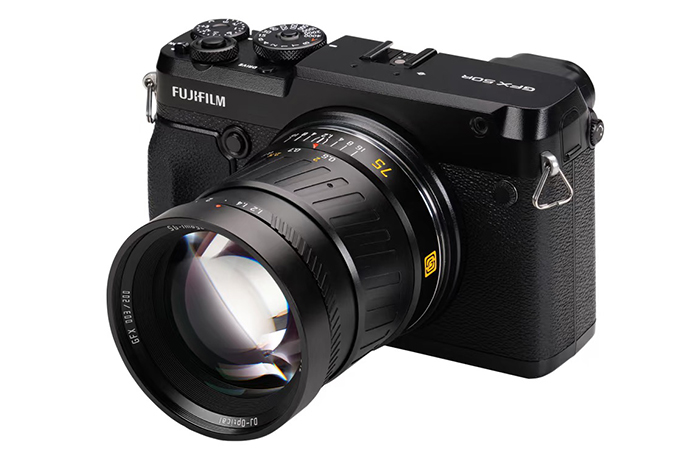
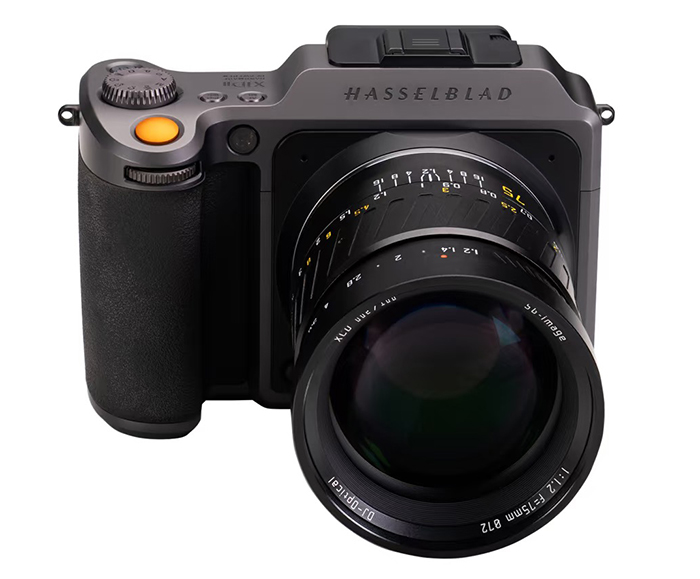
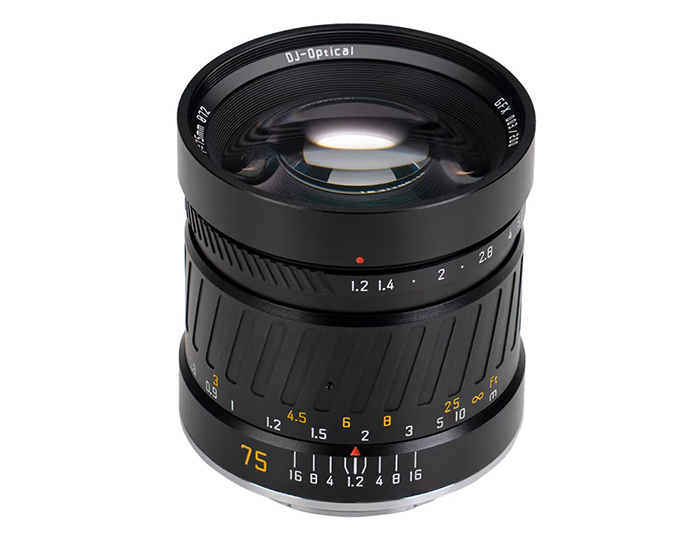
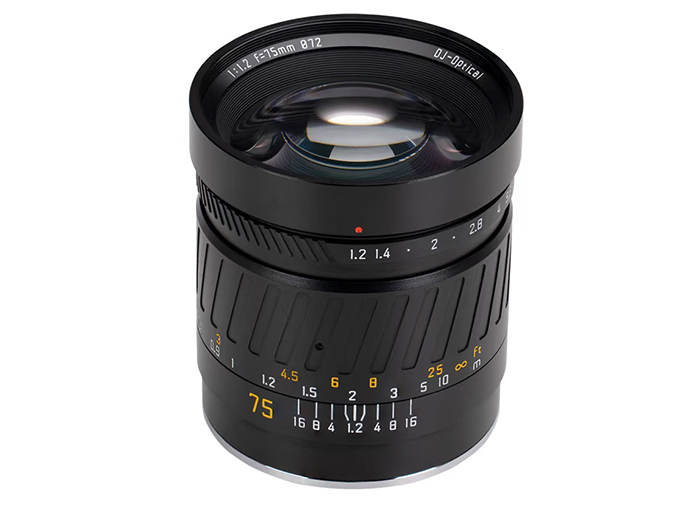
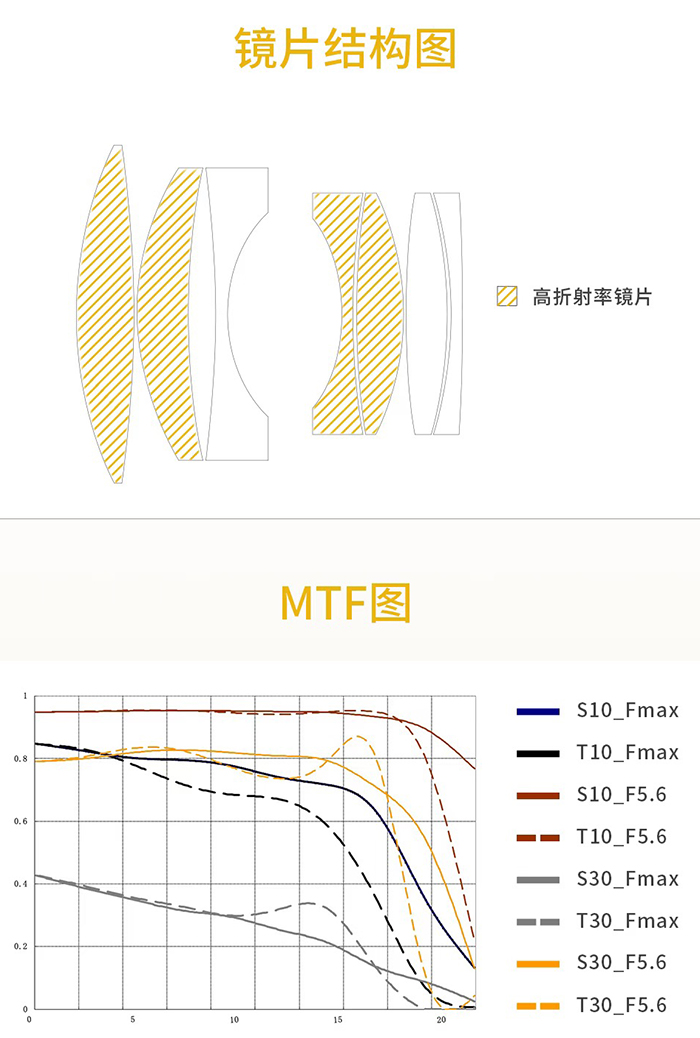
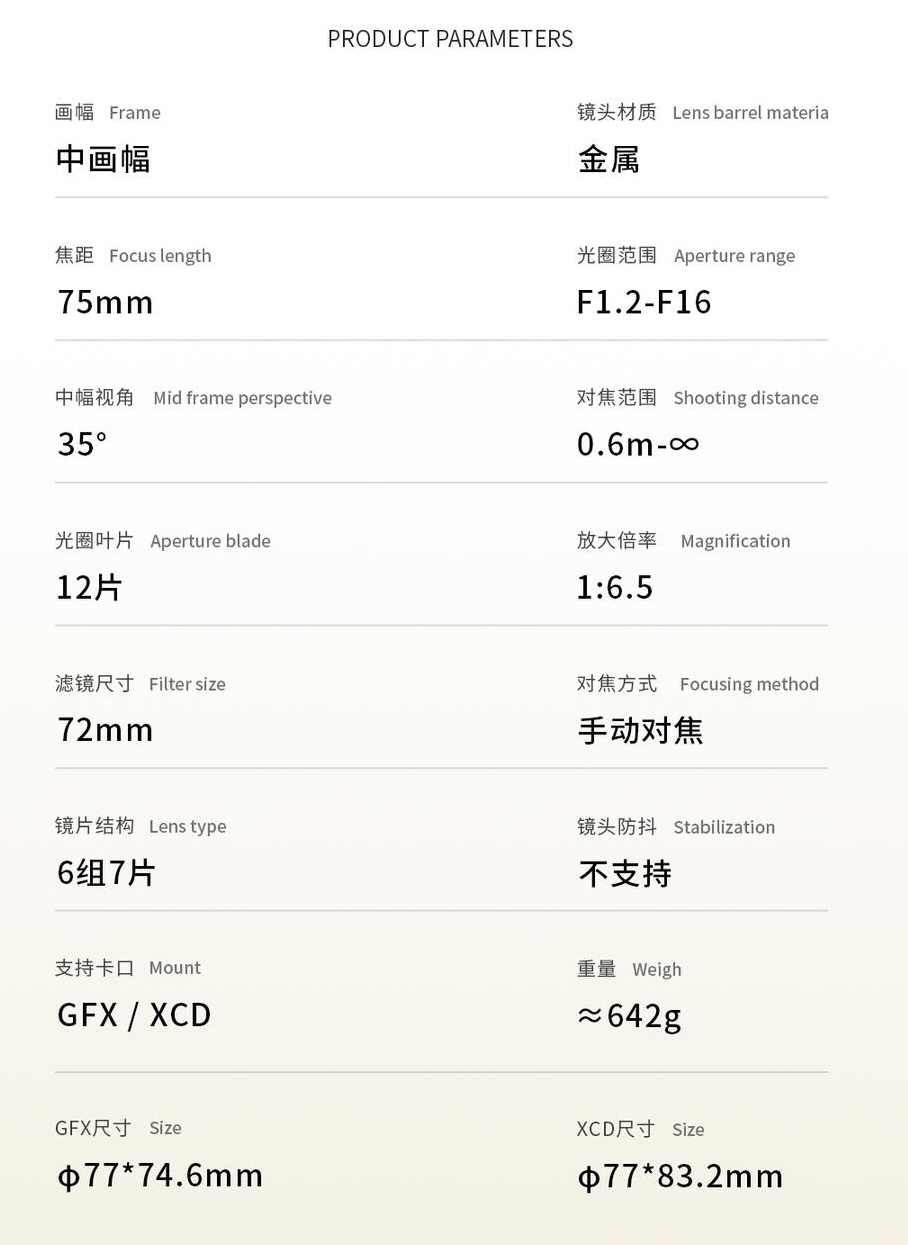
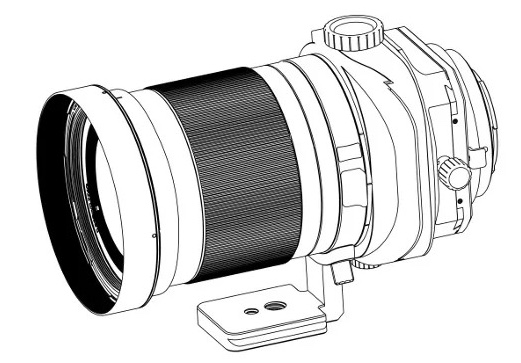
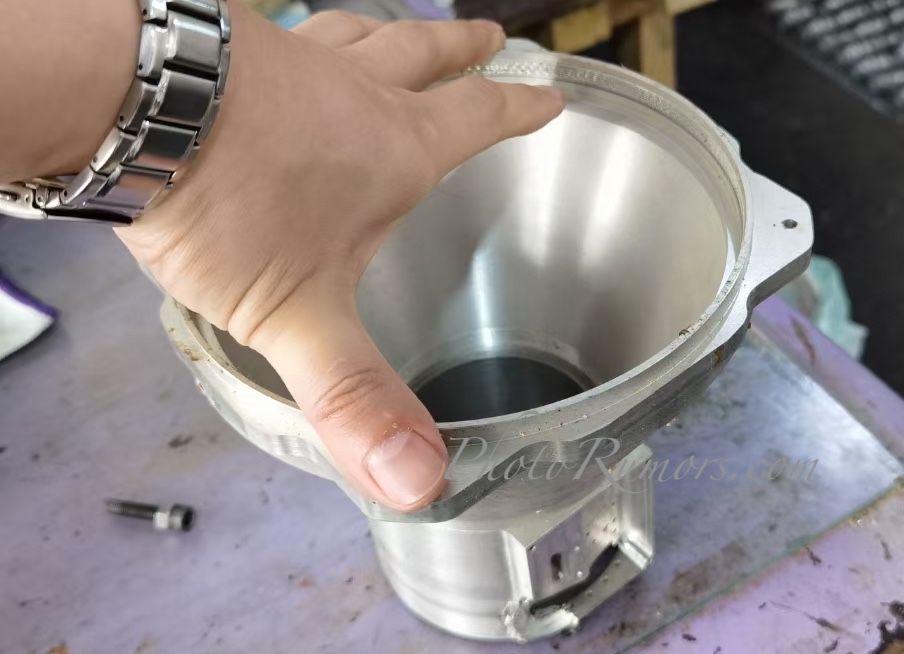
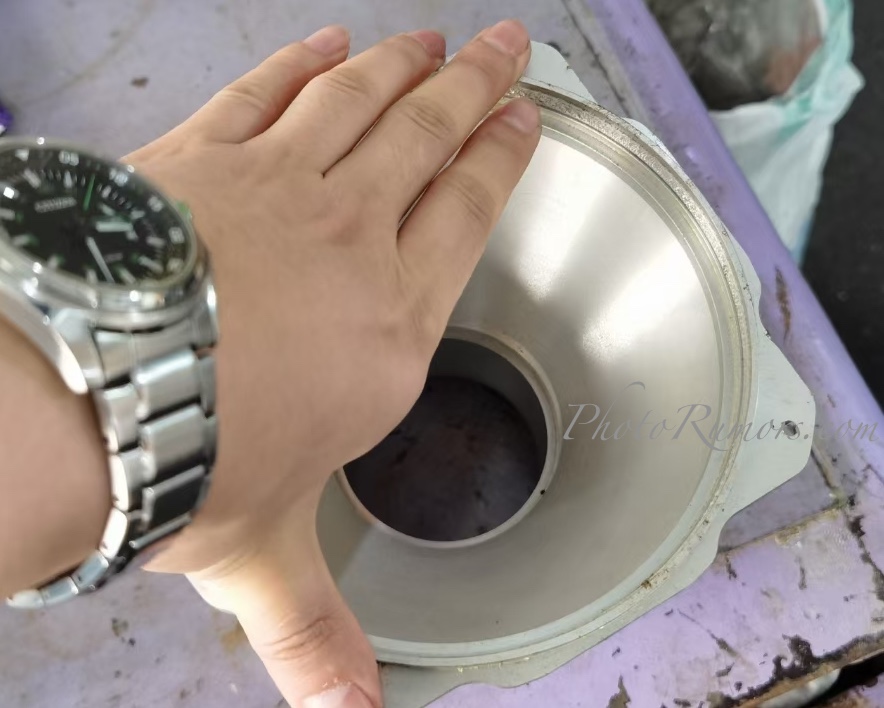
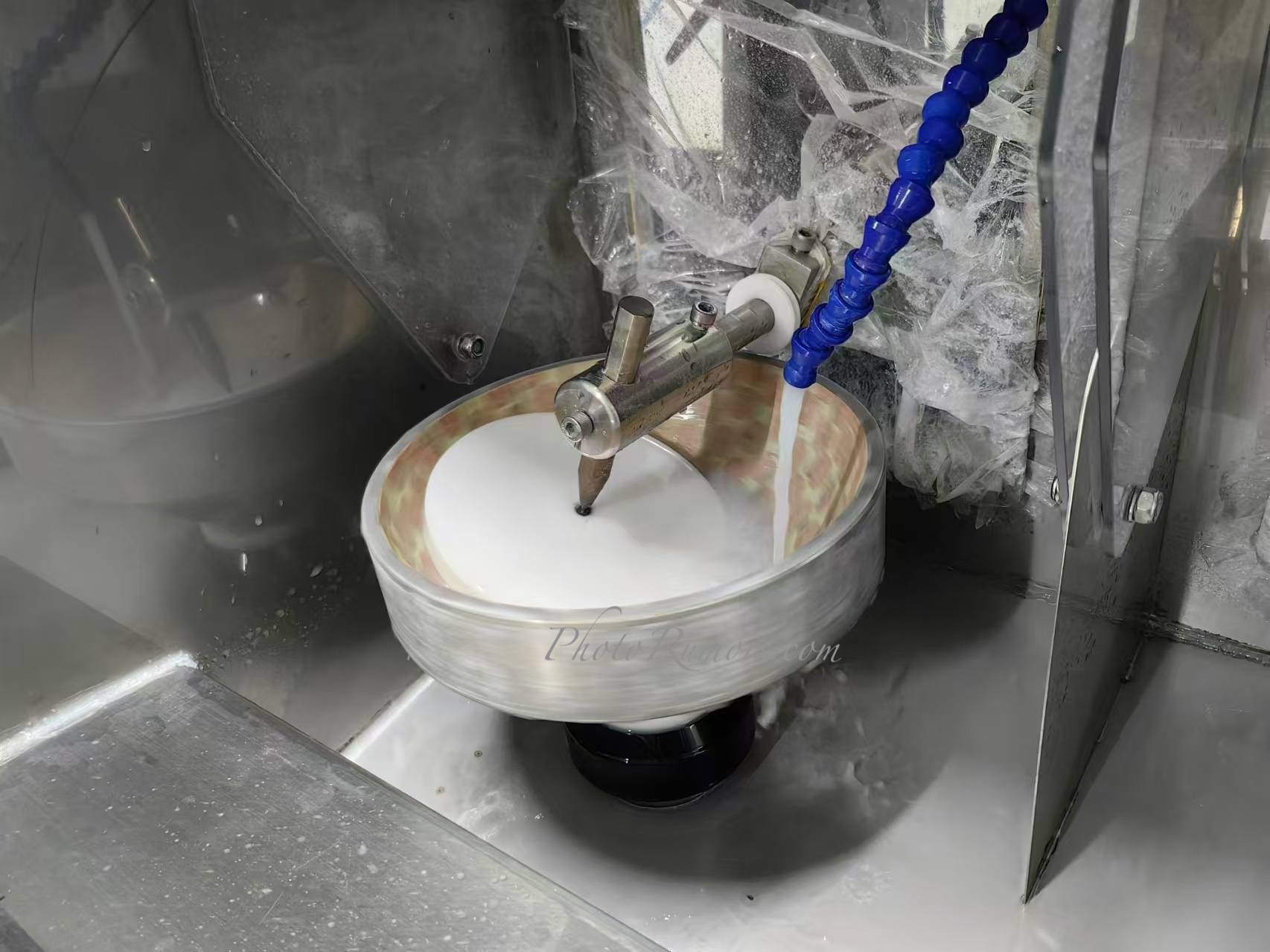
SG-Image announced a new 75mm f/1.2 medium format lens for GFX and XCD mount – here are the details (SG-Image lenses are sold on Amazon, eBay, and AliExpress):
Happy New Year to everyone who reads PhotoRumors – whether you’re just checking in for the latest scoops, or tipping us off with rumors! Huge thanks to all of you for being part of this little community.
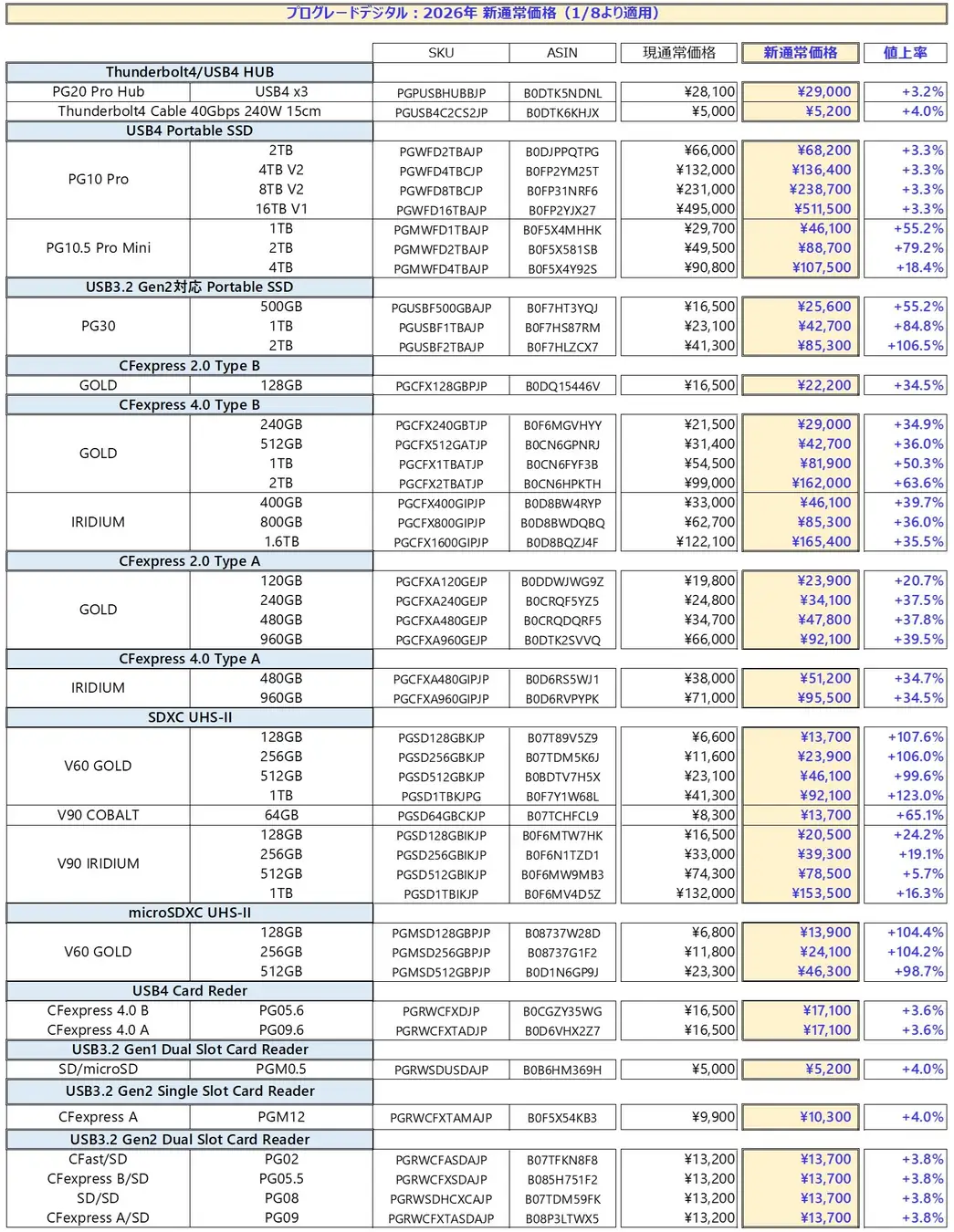
ProGrade will have a significant price increase for memory cards in Japan on January 8th, “due to the surge in demand associated with the construction of AI infrastructure.” The ProGrade SDXC UHS-II V60 GOLD 1TB memory card, for example, will go up by 123% – here is the full list of price increases:
Effective from January 8, 2026 Notice of regular price increase
Responding to the significant price increase of flash memory due to the surge in demand associated with the construction of AI infrastructure
Due to the rapid increase in demand for semiconductor memory associated with the construction of AI infrastructure, and the resulting significant increase in flash memory prices, ProGrade Digital Inc. will raise the regular prices on the Amazon.co.jp ProGrade Digital Inc. store on January 8, 2026. At the same time, the exchange rate, currently $1 = 150 yen, will be changed to $1 = 155 yen to reflect the current exchange rate. Please refer to the price list for the new regular prices.
Although supply uncertainty and price fluctuations are expected to continue in the semiconductor memory market in 2026, we will make every effort to maintain as stable a product supply as possible.
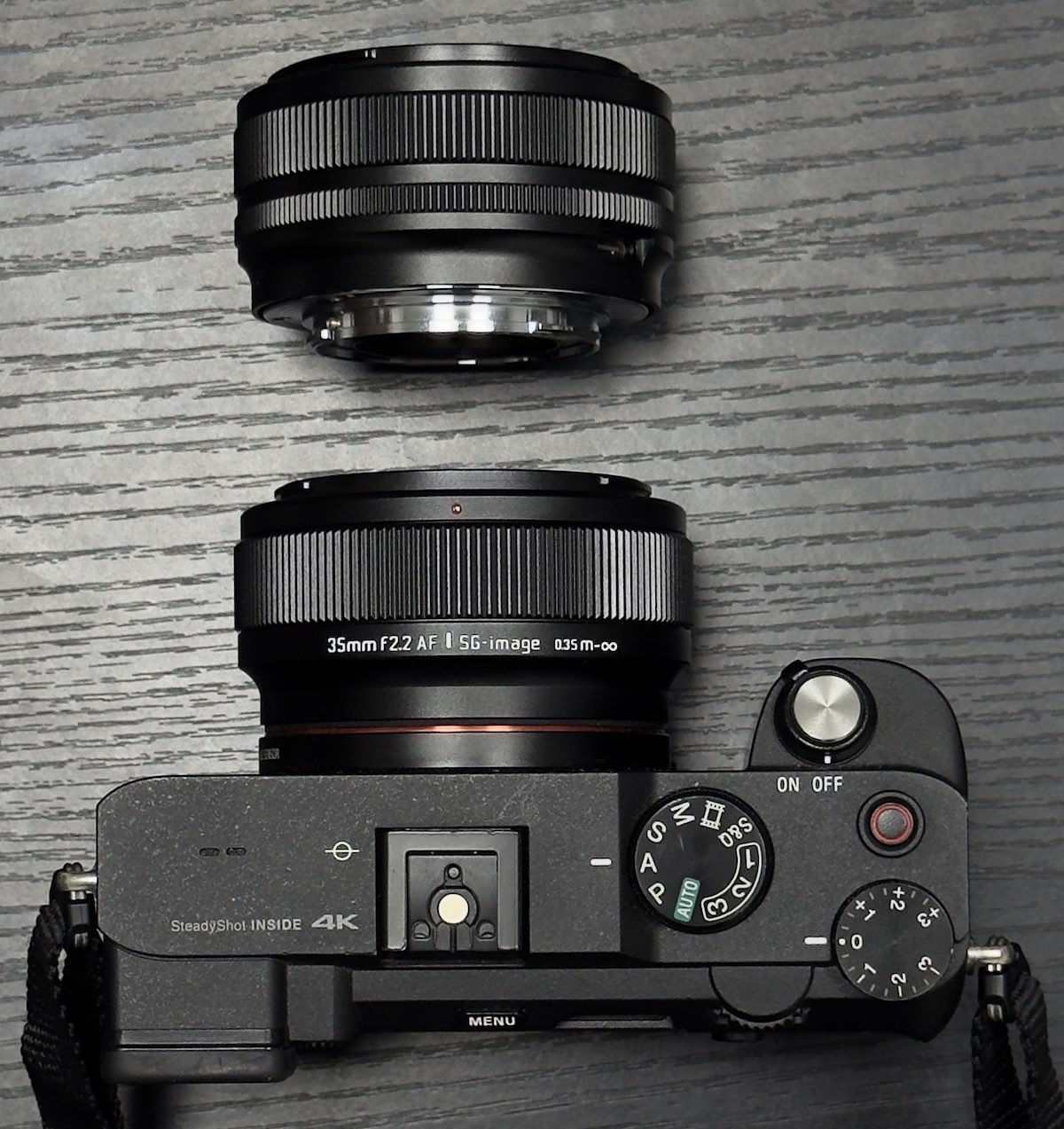
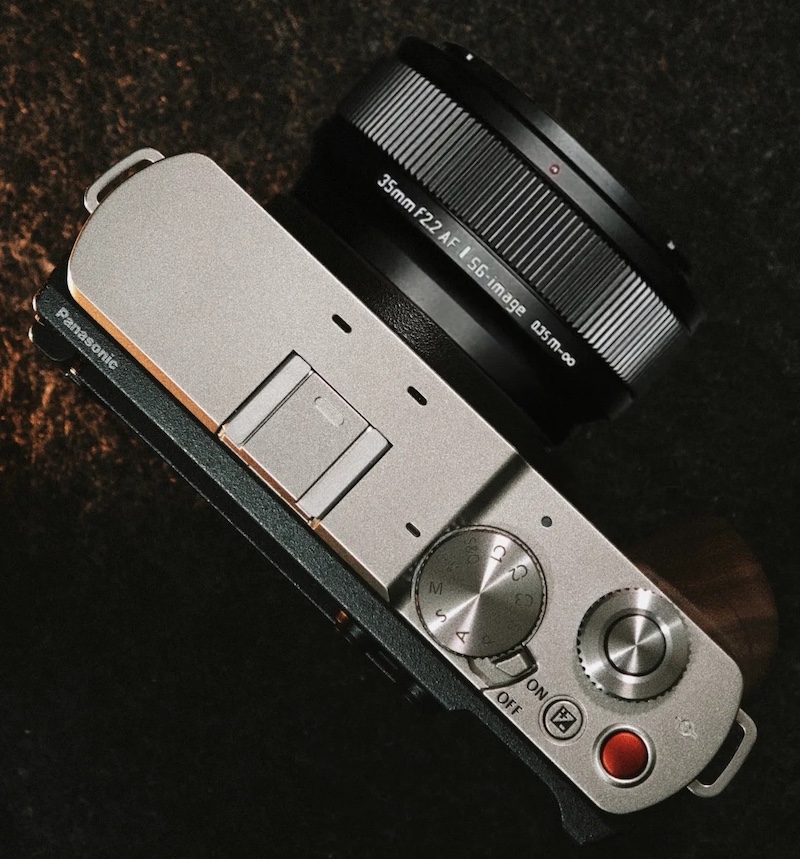
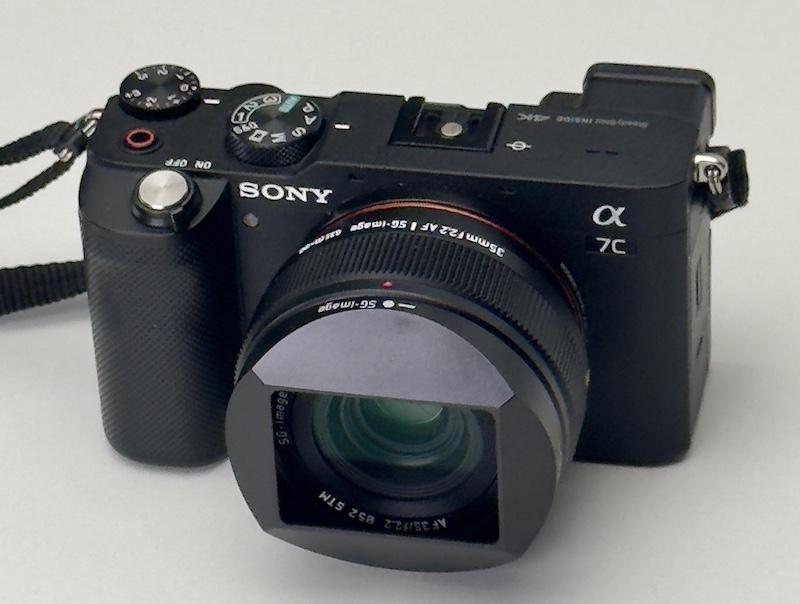
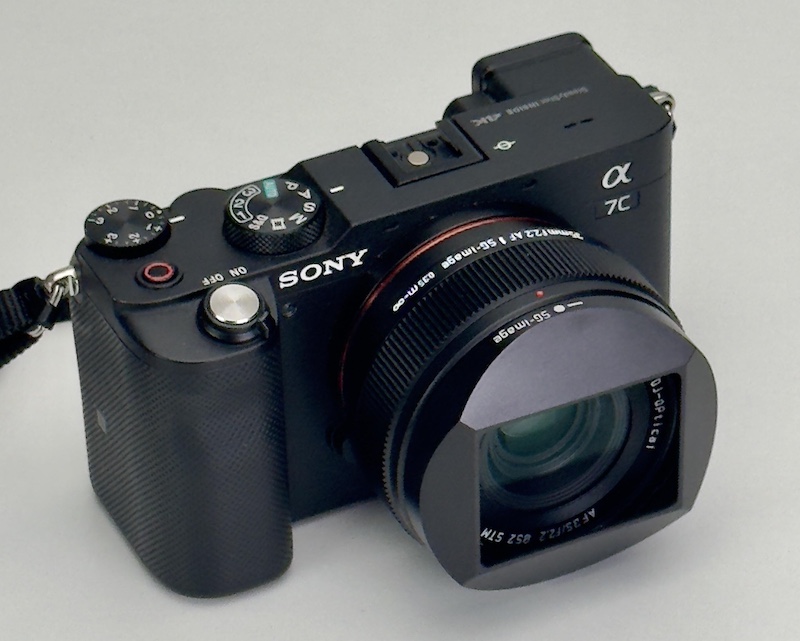
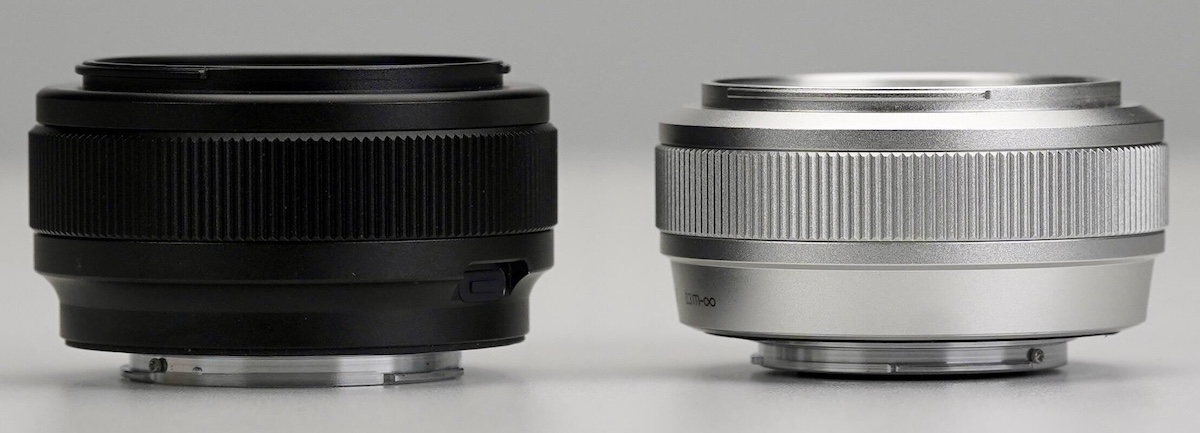
SG-Image is developing a new AF 35mm f/2.2 pancake lens for E/Z/L mount – here are some pictures of the final prototype (SG-Image lenses are sold on Amazon, eBay, and AliExpress):
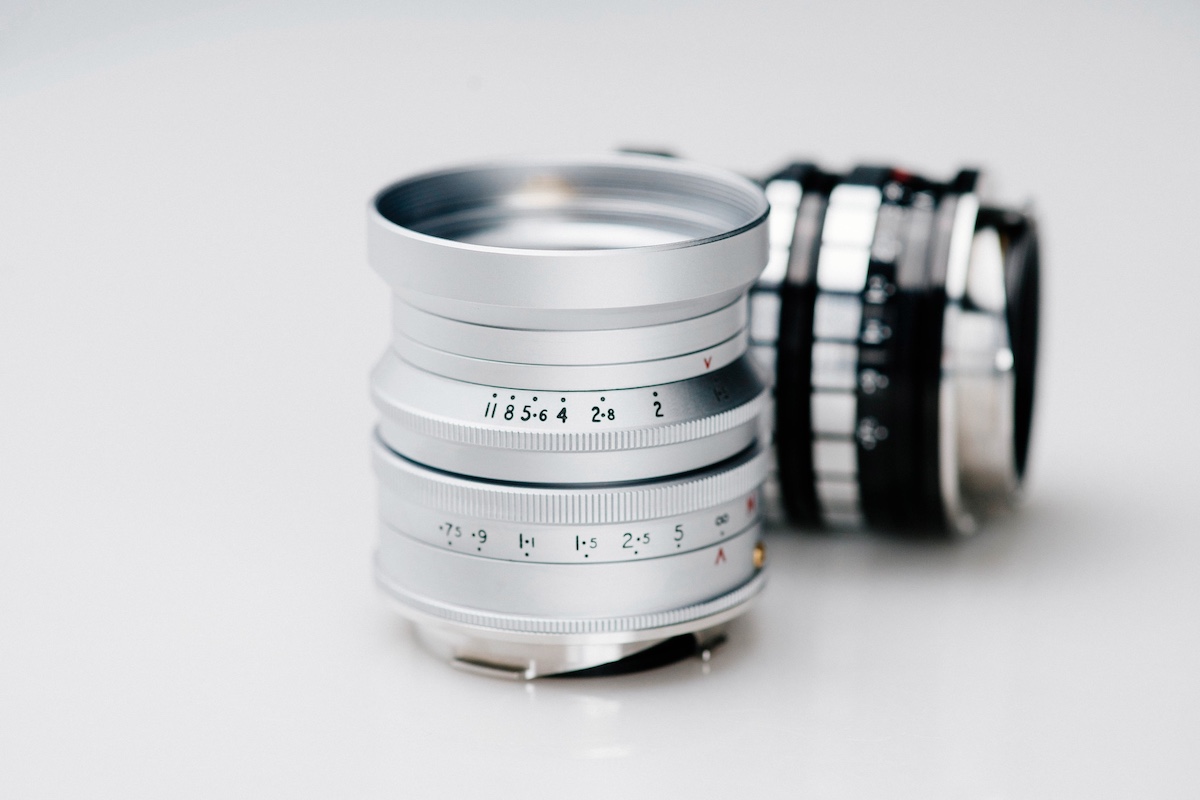
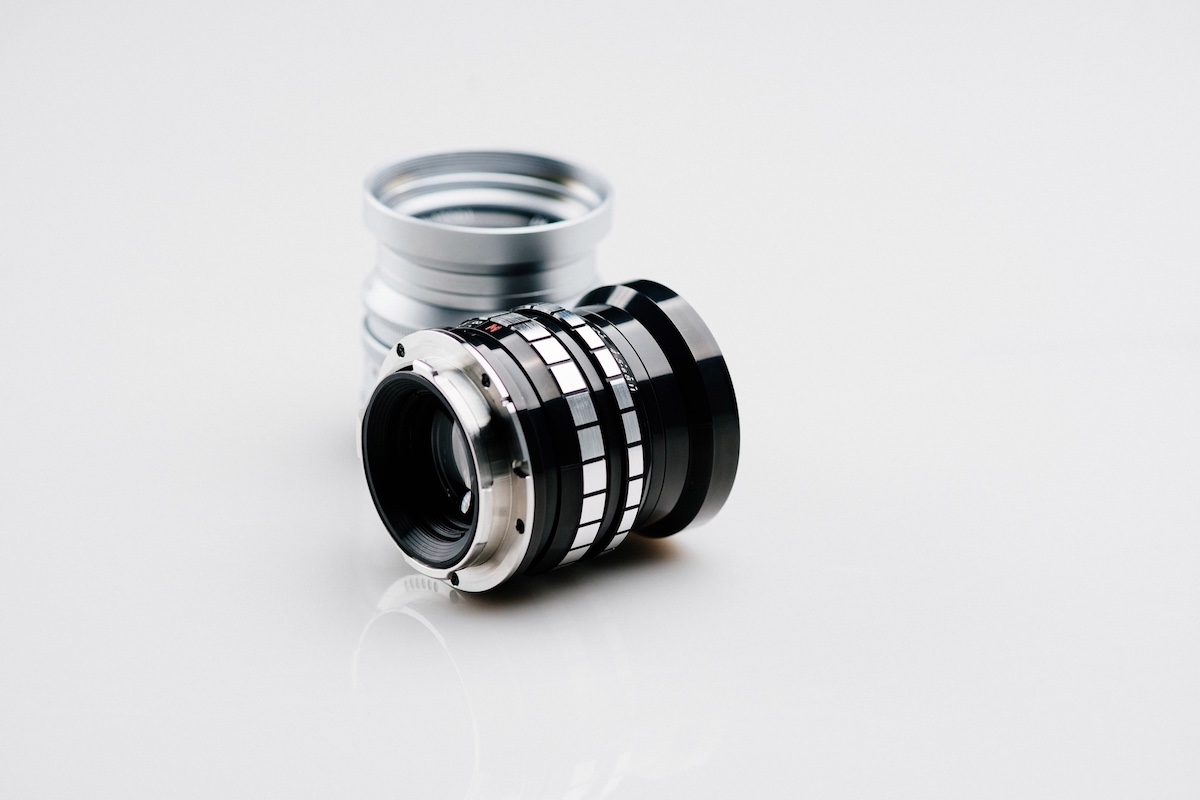
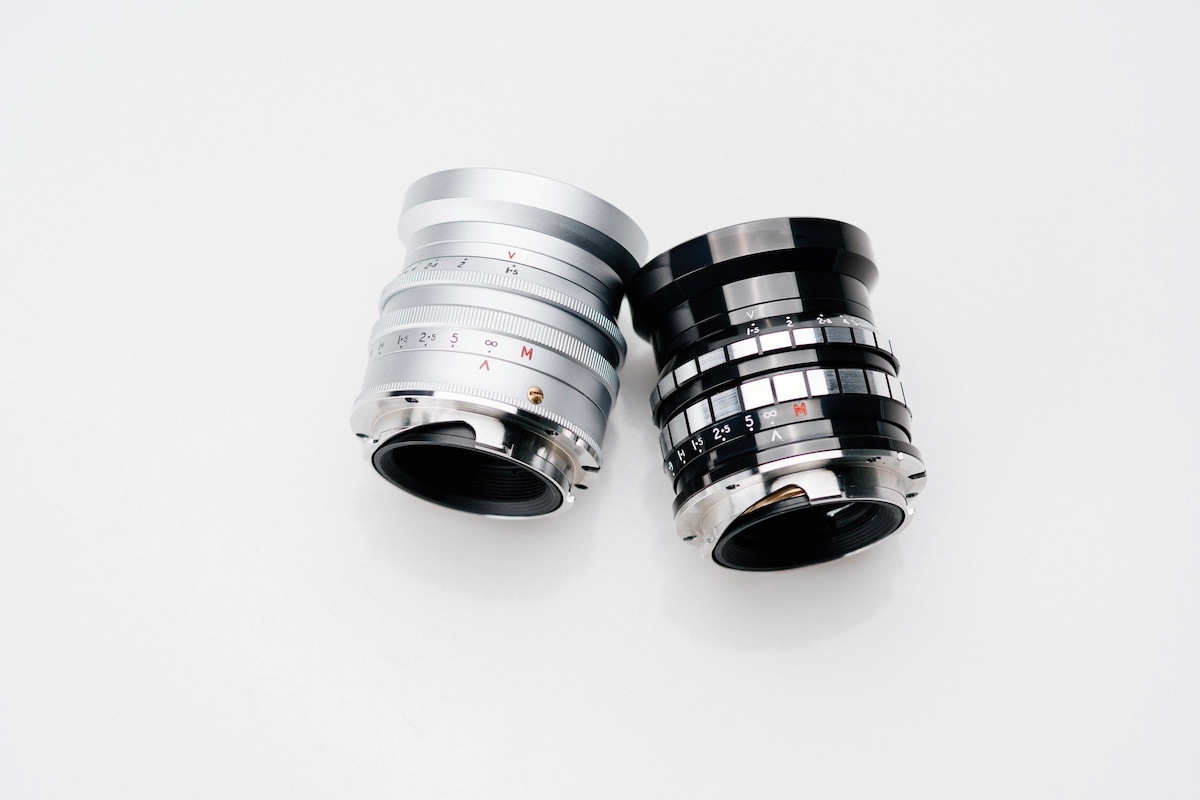
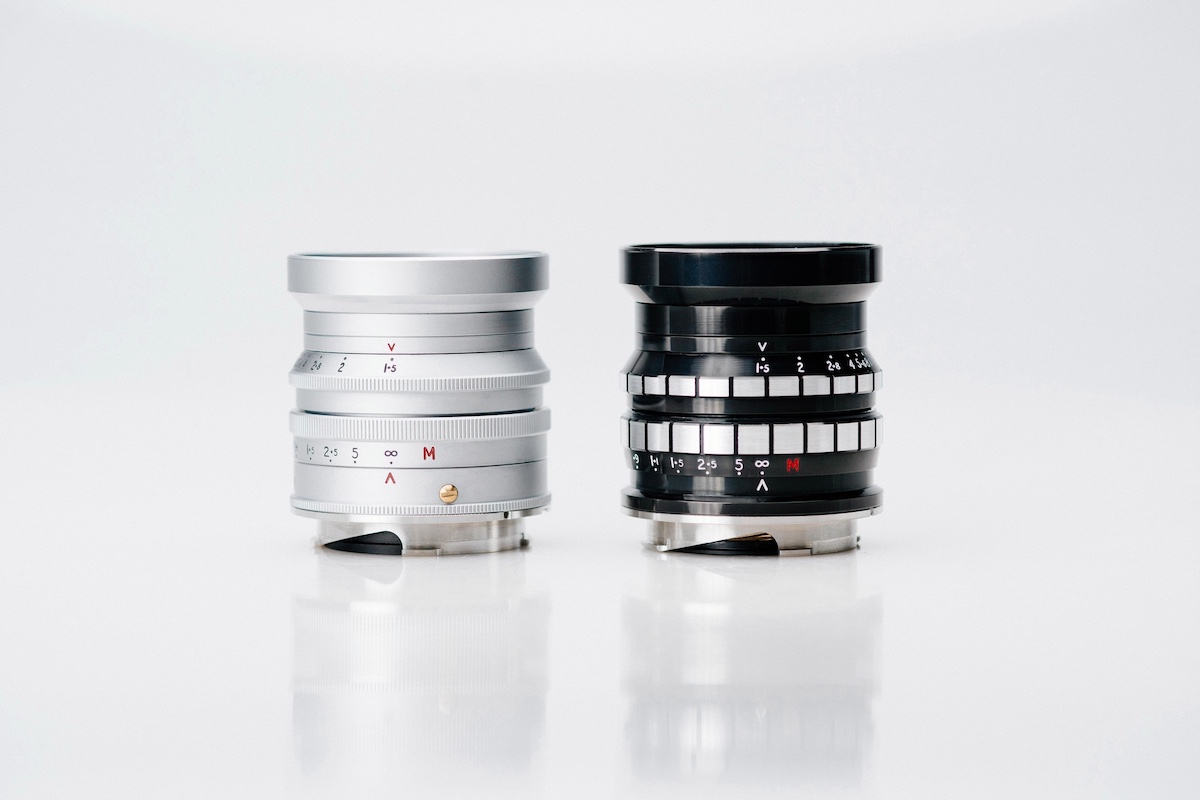
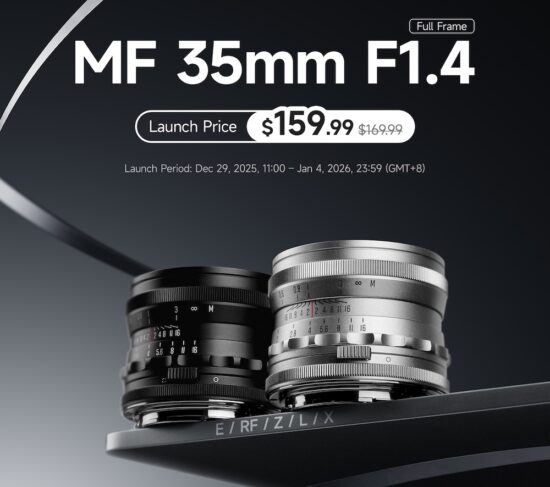
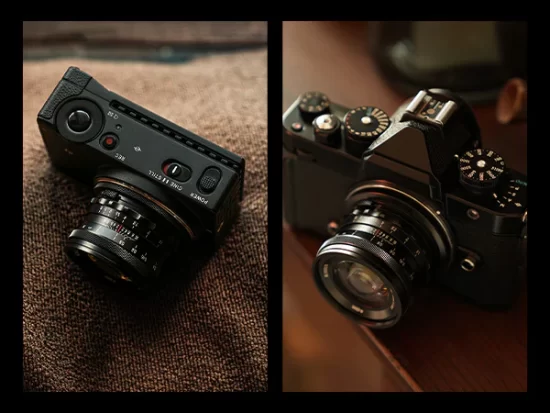
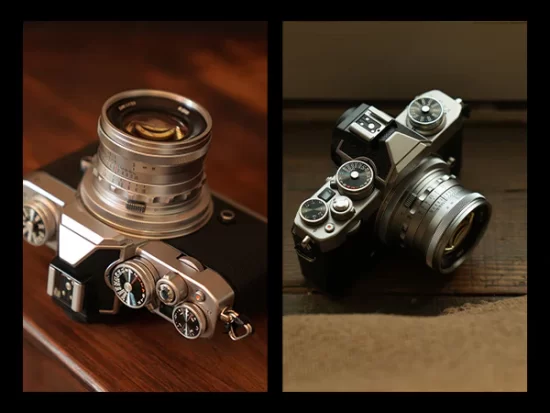
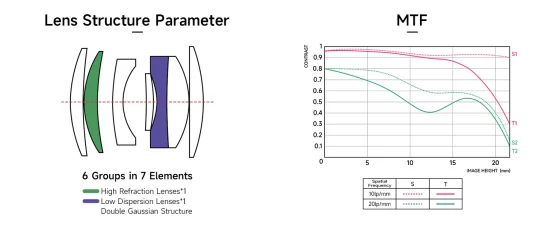
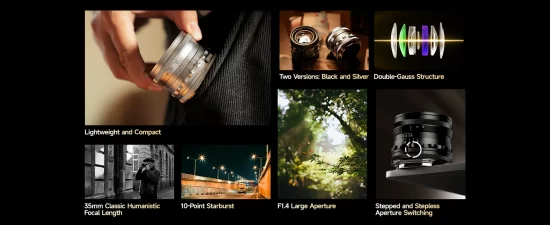
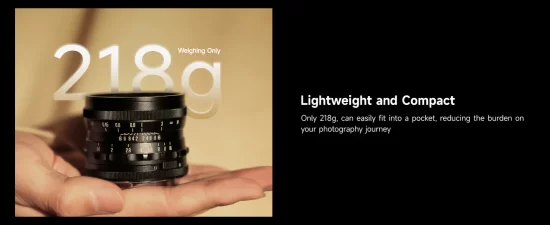
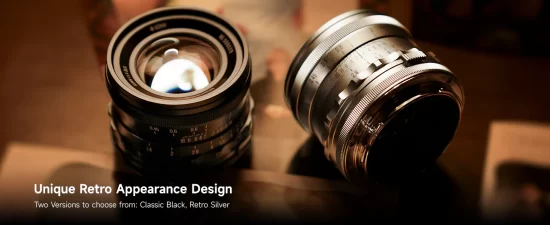
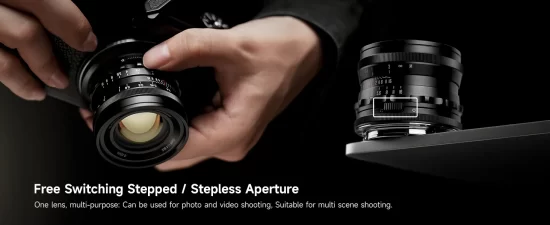
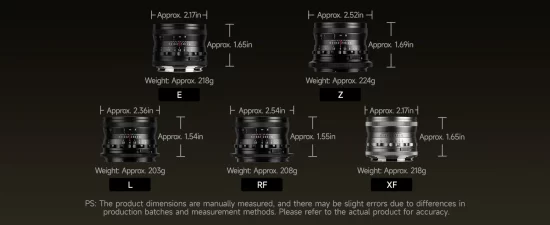
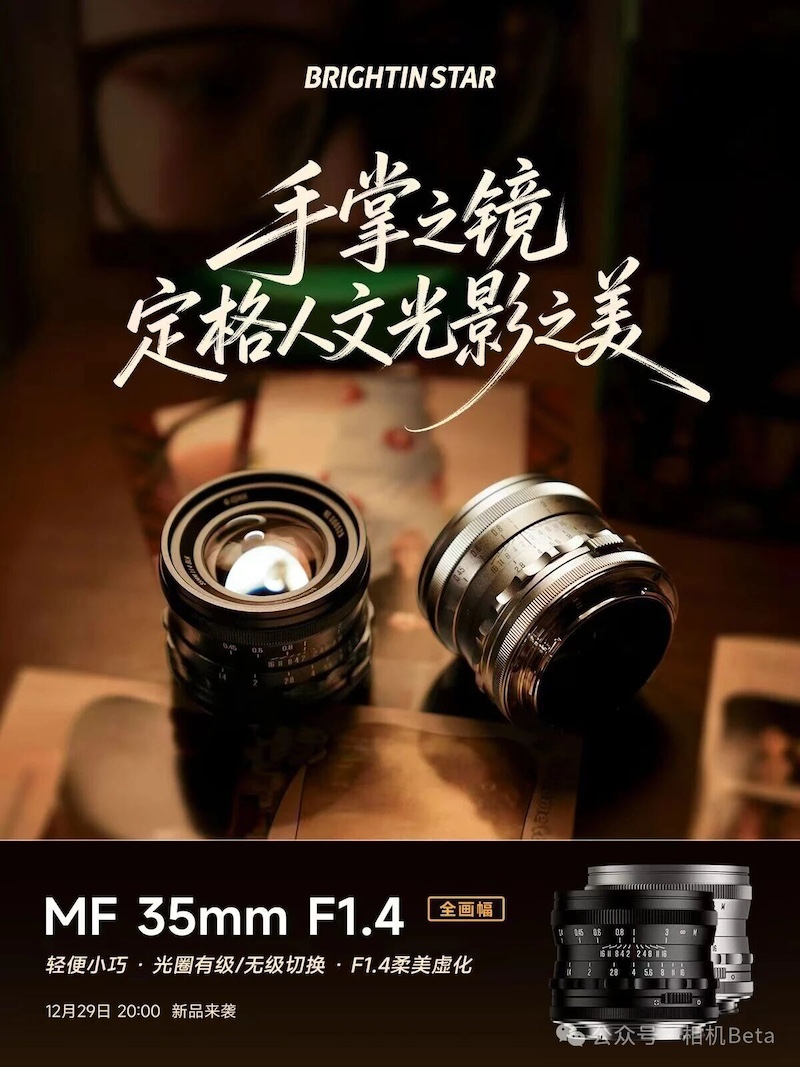
Brightin Star will announce a new 35mm f/1.4 full-frame manual-focus lens next week, featuring a retro-designed, all-metal body available in black and silver, with stepped and stepless aperture control, and a lightweight design.
Here are the details on the previously reported 7Artisans’ new line of LITE APS-C autofocus lenses
7Artisans AF 25mm f/1.8 LITE
7Artisans AF 35mm f/1.8 LITE
7Artisans AF 50mm f/1.8 LITE
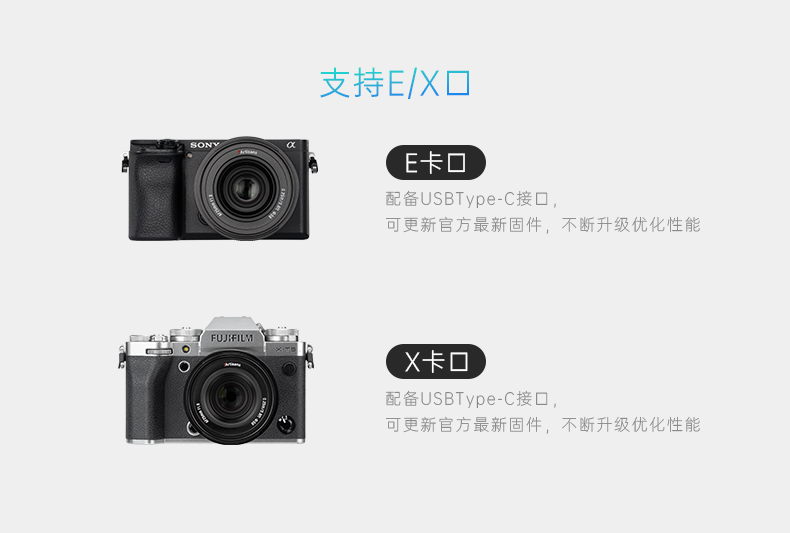
The lenses will be available for Sony E and Fuji X mounts. Orders will open next week (around December 30th). Check the 7artisans website for additional information.
ON1 Photo RAW 2026.2 is now available as a free update for all Photo RAW 2026 owners with improvements that focus on workflow speed, smarter AI results, and a smoother user experience across the board. Here are the details:
Improved Face Restoration — Sharper Details, Better Accuracy
The upgraded AI Face Restoration model inside Resize AI delivers noticeably better results for:
Teeth, eyes, and glasses
Smaller or distant faces
Preserving natural texture and detail
Portrait photographers will see higher-quality outputs with fewer artifacts, especially when enhancing older images or low-resolution portraits.
New Module Tips for Faster Learning
2026.2 introduces Module Tips, short onboarding dialogs that guide first-time users through each module. This makes ON1 Photo RAW easier to get up to speed for beginners while helping experienced users discover overlooked tools that speed up editing workflows.
Faster Exports + Easier Export Presets
Exporting is now faster and more responsive, especially for large raw files or batch jobs. Export presets have also been redesigned to be easier to create, organize, and apply—saving pros and high-volume shooters valuable time.
New Camera Support
ON1 Photo RAW 2026.2 adds RAW support for:
Leica M EV1
Sony FX 30
New Lens Profiles Added
Optical corrections are now available for the following lenses:
Canon:
EF 20–35mm f/3.5–4.5 USM
RF 10–20mm f/4L IS STM
Fujifilm:
XF 16–50mm F2.8–4.8 R LM WR
Mamiya/Sekor:
SX 55mm f/1.8
Minolta:
MD 24mm f/2.8
MD 45mm f/2
Nikon:
Z 70–180mm f/2.8
AF-S DX 55–200mm f/4–5.6G ED VR II
OM System:
OM 12–100mm F4.0
Pentax:
Super-Multi-Coated Takumar 400mm f/5.6
smc Pentax-M 28mm f/2.8
HD PENTAX-D FA 21mm F2.4 ED Limited DC WR
Other brands:
Auto Petri 55mm f/1.8
TTArtisan E 23mm f/1.8
Tamron AF 18–400mm f/3.5–6.3 Di II VC HLD
Viltrox 15mm f/1.7 E
Yashica ML 55mm f/4 Macro
Carl Zeiss Sonnar T* 180mm f/2.8 MMJ
Stability Improvements and General Refinements
This release continues ON1’s commitment to quality with better stability, UI polish, and bug fixes across the app. These refinements improve responsiveness and deliver a smoother experience day-to-day.
Fix Grainy, Blurry, Low-Resolution Videos Effortlessly with Aiarty Video Enhancer (Lowest Price for Christmas)
Many photographers today shoot video alongside stills, but video quality doesn’t always meet expectations. Low-light footage often suffers from visible grain, while clips from older cameras and early DSLRs can look soft and outdated on modern displays.
Improving this kind of footage traditionally means complex workflows and inconsistent results. Aiarty Video Enhancer aims to simplify that process.
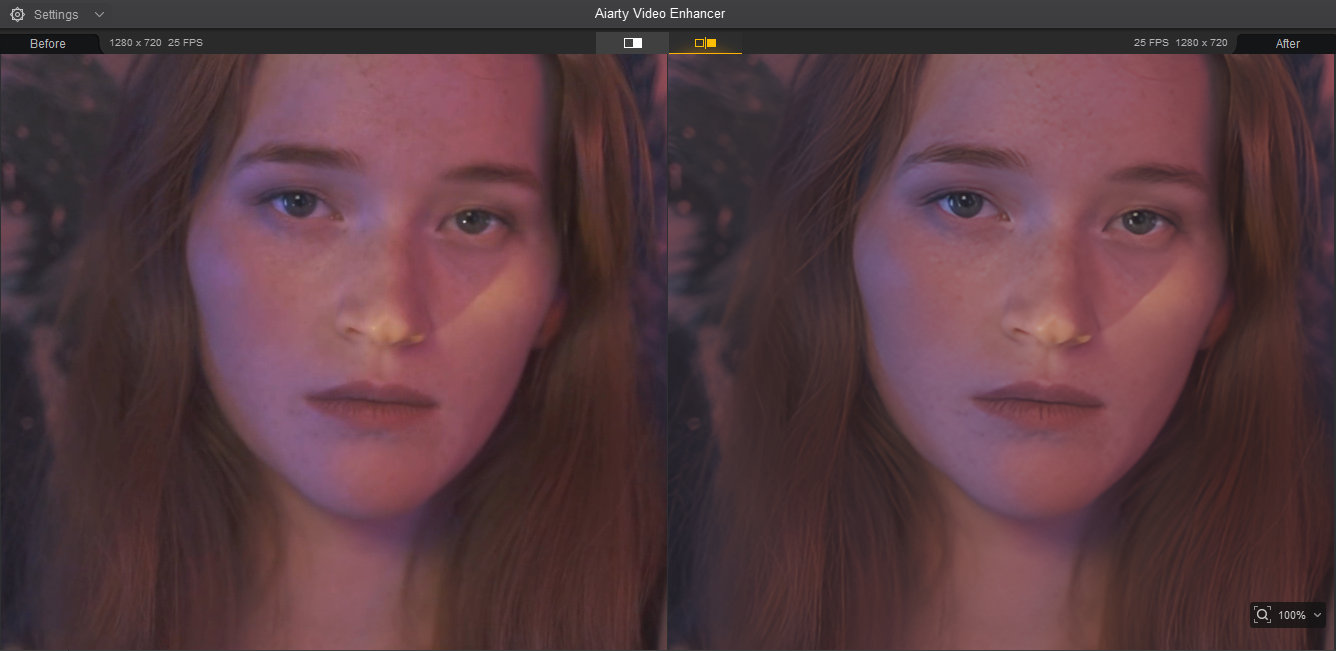
Designed for photographers and editors, Aiarty Video Enhancer is an all-in-one solution for cleaning up and improving video quality. It combines intelligent upscaling, noise reduction, deblurring, restoration, color correction, and frame interpolation into a streamlined workflow, while still giving users enough control to maintain a natural, photographic look.
Christmas Deal: Aiarty Video Enhancer at the Lowest Price of the Year
To coincide with the holiday season, Aiarty is currently running a Christmas promotion that may be of interest to photographers who want to improve the quality of their videos without committing to a subscription-based tool.
What the Christmas offer includes:
36% off the regular price (lifetime license)
Extra $5 coupon: use code XMASSAVE at checkout
The full lifetime license provides full access to all features, includes lifetime free updates, and can be installed on up to 3 Windows or Mac computers.
For users who prefer a one-time purchase with no recurring fees, this seasonal offer makes Aiarty Video Enhancer a relatively low-risk option to try, especially with a 30-day money-back guarantee in place.
How Aiarty Video Enhancer Fits into Real-World Video Workflows
At its core, Aiarty Video Enhancer is built for photographers who want to improve video quality without turning their footage into something artificial or over-processed.
Instead of relying on a single “one-click” AI approach, it combines multiple optimized AI models with practical user controls, allowing creators to balance quality, speed, and visual realism based on real-world needs.
Optimized AI Models with Performance and Control in Mind
Aiarty uses three specialized AI models, each optimized for different scenarios such as fine-detail restoration and extreme low-light denoising. These models are deeply optimized for modern GPUs, pushing utilization as high as 95%, which translates into noticeably faster processing compared to many similar tools that leave much of the GPU idle.
Equally important, Aiarty does not force users to fully surrender creative control to AI. Features like the Strength slider, Turbo Mode, and Step Mode give photographers the flexibility to decide whether they prioritize speed, maximum quality, or a natural, film-like result.
This balance—powerful automation with meaningful control—is what makes Aiarty particularly well-suited to photographers who occasionally work with video but still care deeply about image integrity.
All processing is done locally and offline, which means better privacy and no cloud uploads or data reuse.
Upscale: Making Camera Footage Fit Modern Workflows
Upscaling is not only about improving old videos. For photographers and editors, it often solves very practical problems in real-world workflows.
In mixed timelines, footage may come from different cameras—for example, a main 4K camera combined with 1080p clips from drones, action cameras, or older DSLRs. High-frame-rate slow-motion footage is also often limited to lower resolutions. Reframing or post-stabilization also inevitably reduces resolution.
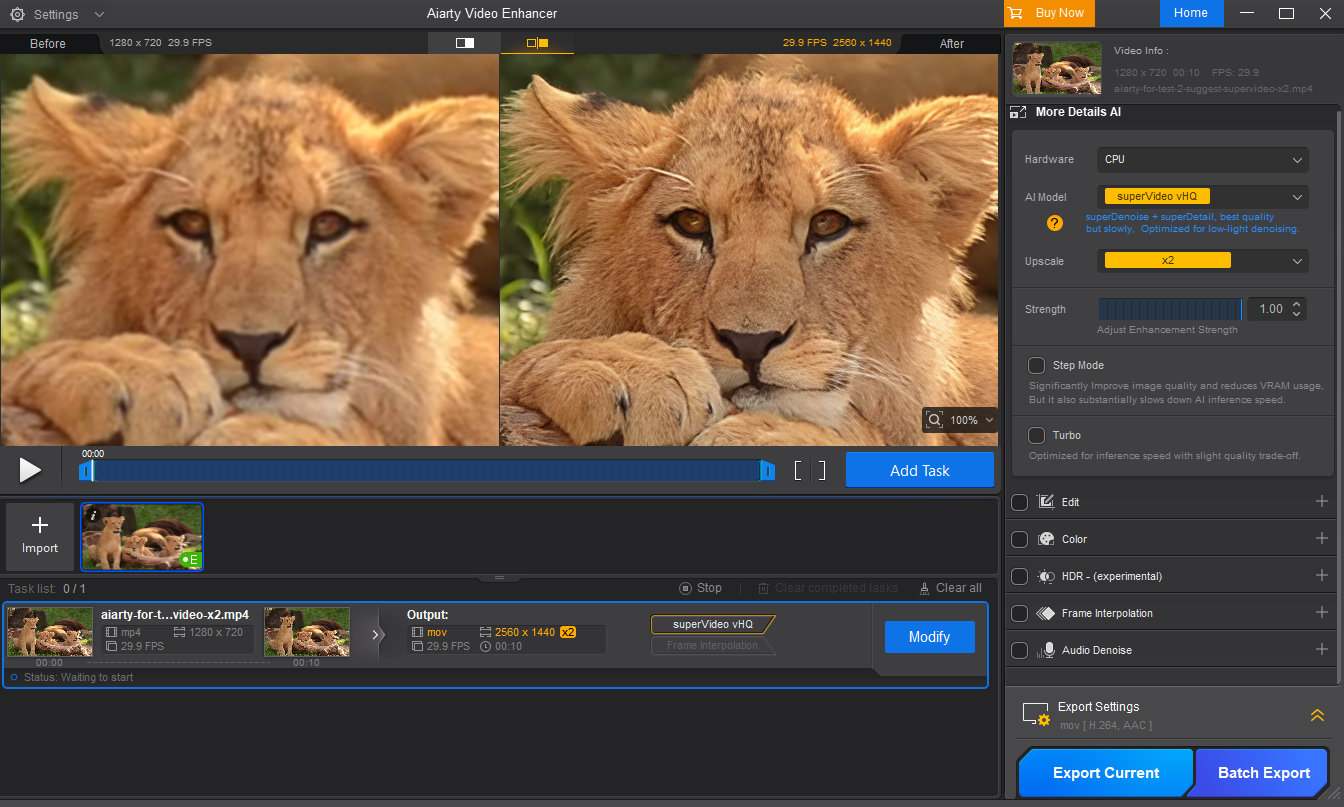
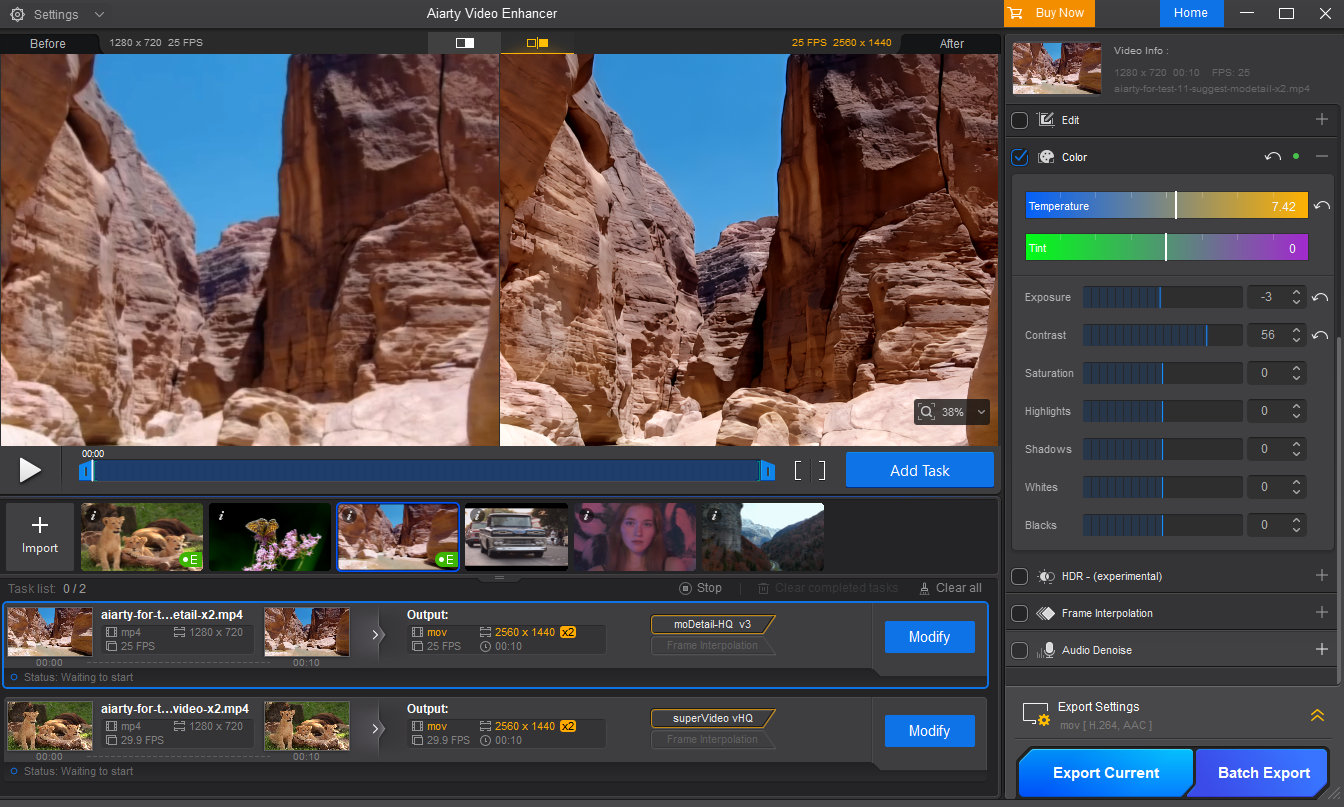
Aiarty allows users to upscale videos using common targets such as 1080p, 2K, or 4K, as well as fixed scaling options like 2× or 4×. Instead of simply enlarging pixels, its AI models analyze edges, textures, and patterns to reconstruct missing detail, helping low-resolution clips appear cleaner and more consistent with today’s viewing standards.
Denoise: Reducing Grain in Video and Cleaning Up Audio
Noise is one of the most common problems in camera video, particularly when shooting in low light or at high ISO. Traditional noise reduction often requires adjusting multiple technical parameters and can come at the cost of lost detail.
Aiarty integrates video denoising directly into its enhancement process, automatically reducing noise while preserving edge detail and texture. If the auto enhancement removes too much grain, users can adjust the strength slider to find the optimal balance between cleaner footage and a natural, film-like look.
This approach avoids the hassle of traditional noise reduction while also preventing the overly smooth, plastic appearance that some AI tools often introduce.
In addition to video denoising, Aiarty also includes basic audio noise reduction, helping reduce background hiss or ambient noise in casual recordings and older clips. While not intended to replace dedicated audio software, it provides a practical improvement that makes clips easier to use and more presentable overall.
Deblur and Restore: Improving Clarity When Reshooting Isn’t an Option
Slight blur and softness are common in real-world video, especially with early-generation sensors or less-than-ideal shutter speeds. When reshooting is impossible, restoration becomes the only option.
Aiarty’s deblurring and restoration capabilities focus on recovering perceived clarity rather than aggressively sharpening. By reconstructing edge definition and fine detail where possible, it improves overall sharpness while avoiding halos or harsh artifacts.
The results won’t turn heavily blurred footage into perfectly sharp video, but they can noticeably improve clarity in many real-world scenarios.
Strength Slider: Why Control Matters for Photographers
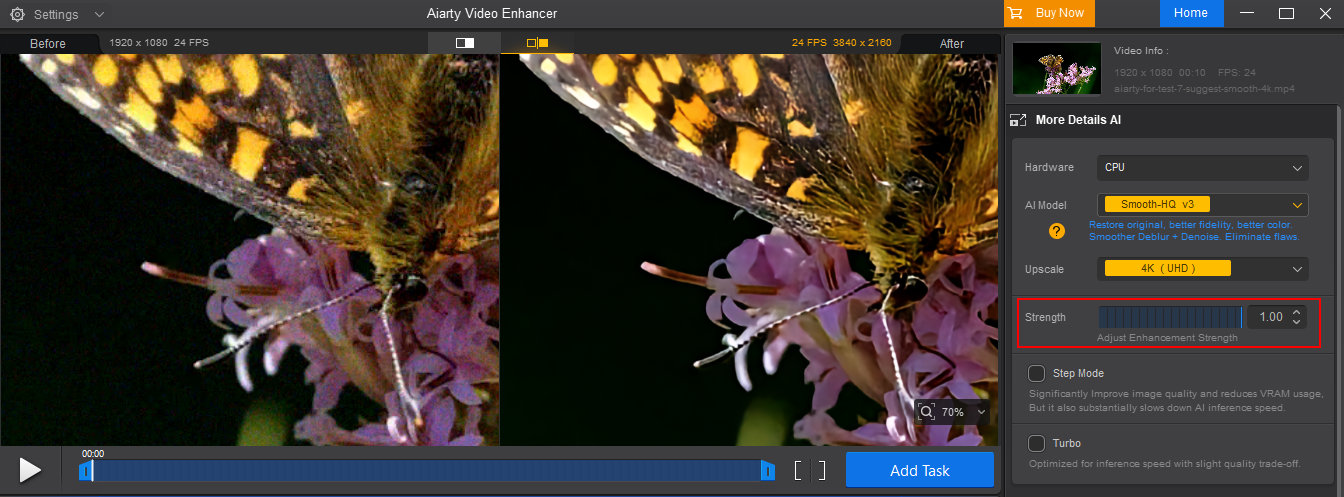
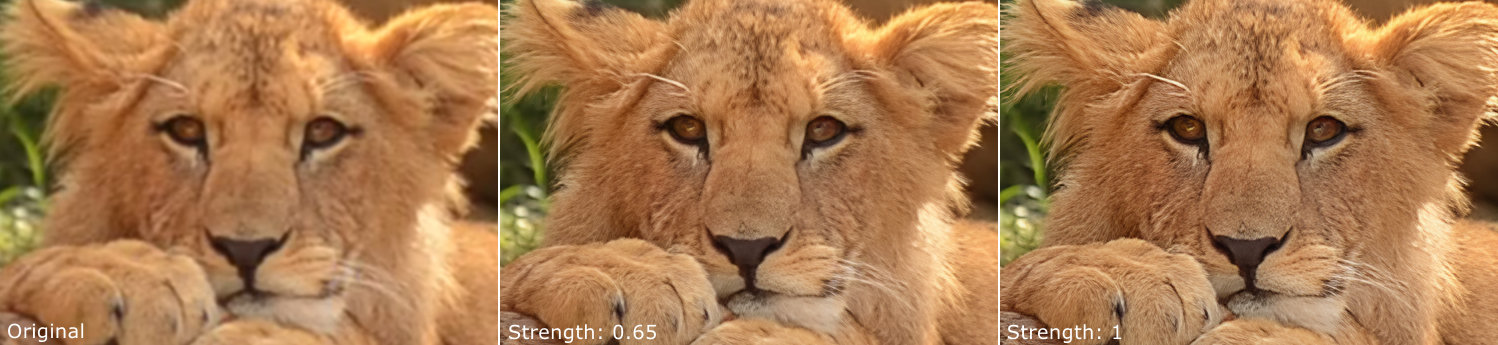
One of the more important design choices in Aiarty Video Enhancer is the inclusion of a strength slider that controls how strongly the AI enhancement is applied. This may seem like a minor feature, but it plays a significant role in achieving natural-looking results.
AI enhancement is not always a case of “more is better”. Applying too much sharpening or denoising can lead to an artificial look, something photographers are particularly sensitive to. The ability to dial back the effect allows users to find a balance between improved clarity and visual realism.
Color Correction: Fine-Tuning After Enhancement
Basic color correction tools, such as controls for exposure, contrast, highlights, shadows, and color temperature, are included to help refine the final output after AI enhancement.
These tools are not meant to replace full-fledged color grading software. Instead, they allow photographers to make subtle adjustments to ensure that enhanced footage looks balanced and consistent, especially after noise reduction or restoration has altered the image slightly.
When used conservatively, these controls help maintain a natural photographic look while polishing the final result.
Frame Interpolation and Slow Motion: Smoother Motion for Creative Control
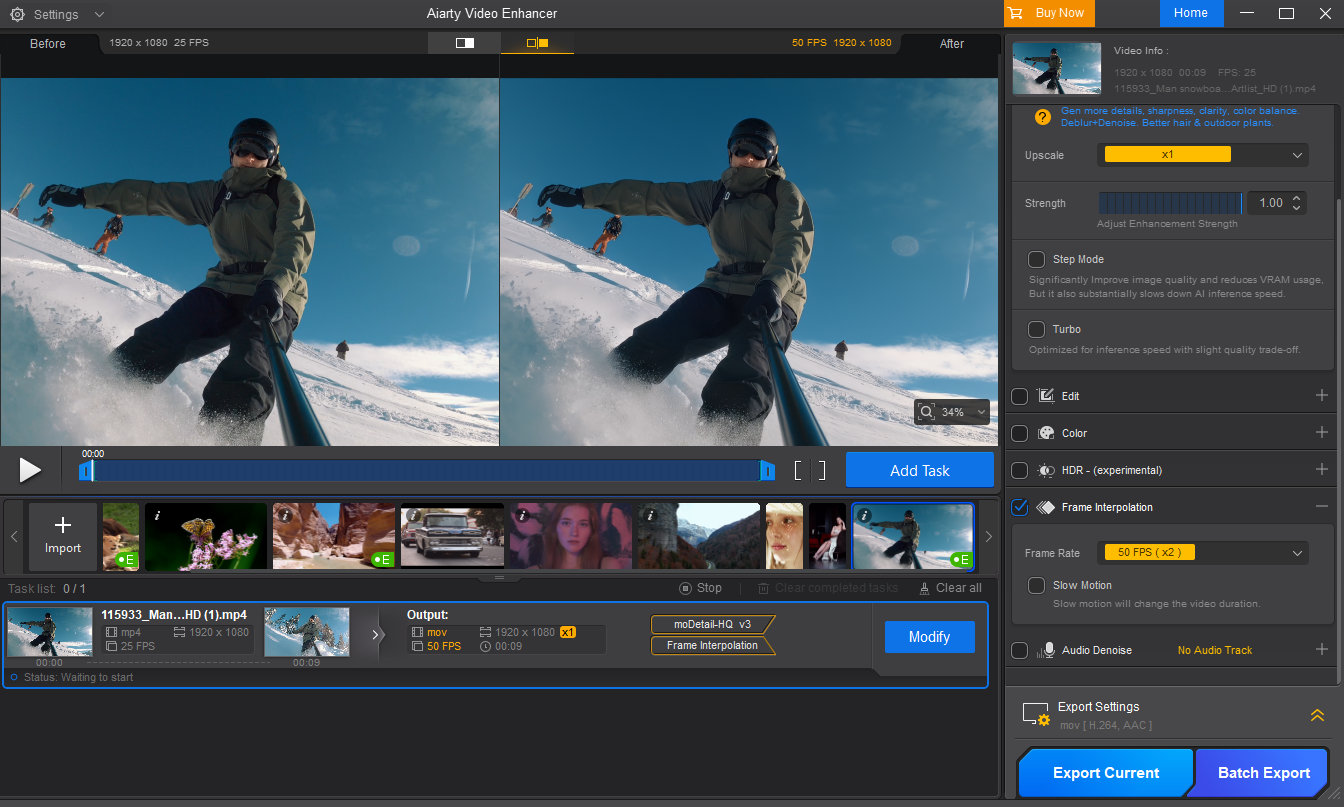
Aiarty includes frame interpolation, allowing users to increase frame rates up to 120 fps, and a slow-motion option with adjustable speeds such as 1/2 or 1/4. While not every photographer will need this daily, it can be extremely useful when working with action footage, fast-moving subjects, or older clips originally captured at low frame rates.
By smoothing motion and creating slow-motion effects, this feature gives photographers more creative flexibility, whether for short films, travel videos, or simply making casual clips look more polished and professional.
SDR to HDR: Giving Footage More Depth
For older 8-bit SDR footage, Aiarty offers an optional SDR-to-HDR conversion that outputs 10-bit HDR video. This process can improve color transitions and reduce banding, resulting in smoother gradients and a more refined visual appearance.
When combined with basic color adjustments, this feature can add depth and richness to older clips. It can noticeably enhance the viewing experience on modern HDR-capable displays.
Final Words: Get the Holiday Treat Before It Goes Away!
If you’ve been thinking about improving your video quality, it’s worth trying out Aiarty Video Enhancer to see the results for yourself.
And if you like what you see, take advantage of the Christmas offer and grab Aiarty Video Enhancer and more powerful tools at the lowest price. All licenses work on 3 computers permanently and include lifetime free updates. Act fast—this seasonal promotion is only available for a limited time.

 Connexion