Vue lecture

Ireland's Diarmuid Early Wins World Microsoft Excel Title

Irish competitor Diarmuid Early, dubbed the "Lebron James of Excel spreadsheets," has won the 2025 Microsoft Excel World Championship in Las Vegas, dethroning three-time champion Andrew Ngai. The BBC reports: The esport showpiece in December attracted competitors worldwide as 256 spreadsheet heads battled it out across knockout rounds to join the final 24 in Vegas. [...] A three-time champion in the financial Excel tournaments, this win was Diarmuid's first in the overall competition. He held the triple-world champion Andrew Ngai to second place, and won the $5,000 prize and title belt. [...] Excel esports transforms a common office tool into a dynamic sport. More than 20 years old, the competitive scene has evolved from being finance based to now involving more general problem solving. Although it might help, Diarmuid said "it doesn't require accounting or finance knowledge." He described an example where Excel is used in solving a maze, scoring poker hands, or even sorting Kings and Queens into the battles in which they fought. Generally there is a 30 minute challenge, with each challenge broken up into levels. The questions increase gradually in difficulty, with each correct answer gaining a player points. Whoever gets the most points wins, and in a tie, it is whoever got there first. "It's just, can you think on your feet and do things quickly in Excel?" he said. "If you solve the earlier levels in a neat way, that'll let you hit the ground running faster on the later ones."

Read more of this story at Slashdot.

  •  

'Fragmented' Microsoft Tools Undercut Efficiency at Amazon and Whole Foods, Internal Deloitte Review Finds

An anonymous reader shares a report: It's been more than eight years since Amazon bought Whole Foods, but the two companies still haven't aligned their setup for the Microsoft software their employees use. That disconnect was flagged in an 8-week Deloitte review of Whole Foods' use of Microsoft 365 apps earlier this year, according to an internal document obtained by Business Insider. Deloitte found that Whole Foods relies on "fragmented" Microsoft toolsets, has loose security and data-retention practices, and employs a complex user-management setup -- all of which contribute to inefficiencies and lower productivity when working with Amazon employees. The consulting firm recommended a 24-month integration plan that would first move Whole Foods' corporate employees onto Amazon's backend system, followed by its frontline workers. The phased approach would ensure a "smooth transition for users and minimal disruption to business processes," while generating cost savings, the document said. The review, completed in May, highlights Amazon's ongoing challenges in integrating Whole Foods. Since acquiring the chain in 2017, the company has struggled to scale the business and integrate operations, resulting in frequent reorganizations and shifting strategic priorities.

Read more of this story at Slashdot.

  •  

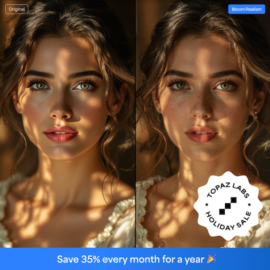
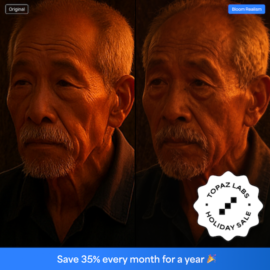
If you missed Black Friday, Topaz Labs just started a new Holiday Sale


If you missed Black Friday, Topaz Labs just started a new Holiday Sale that includes Topaz Studio, Studio Pro, and all single apps (valid from December 16th to January 7th). Here are the details:

For new customers:

For existing customers:

Topaz Labs will also announce a major Realism Update tomorrow. Multiple apps are getting a realism boost, enhancing fine details and lighting, and giving photos, videos, and AI-generated content a more realistic look. Astra, Bloom, Topaz Video, Topaz Photo, and Topaz Gigapixel will all receive new models, features, and updates. Here’s what’s new in the Topaz Realism Update:

BLOOM

  • Bloom Realism

TOPAZ PHOTO

  • Sharpen Wildlife & Portrait
  • Adjust Lighting 3
  • Dust & Scratch 2

TOPAZ GIGAPIXEL

  • Grain with toggle

TOPAZ VIDEO

  • Nyx High-Fidelity Denoise
  • Grain

ASTRA

  • Starlight Precise 2
  • Batch Render
  • Scene Control

Via NikonRumors

The post If you missed Black Friday, Topaz Labs just started a new Holiday Sale appeared first on Photo Rumors.

  •  

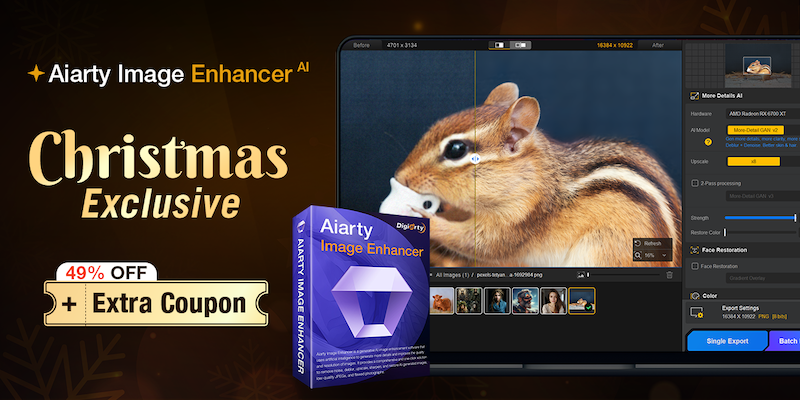
Aiarty Image Enhancer instantly fixes blurry, grainy, and low-res photos (49% off lifetime license + extra Xmas coupon)

We all encounter situations where the environment fights against us: the lighting is too dim, the subject moves too fast, or the focal length just isn’t long enough. You end up with a composition you love, but the photo itself—plagued by high-ISO noise, slight motion blur, or low pixel count from cropping—becomes a headache to process.

Manually correcting these fundamental image quality issues in traditional photo editors often requires tedious fine-tuning to perfectly balance sharpness and natural texture.

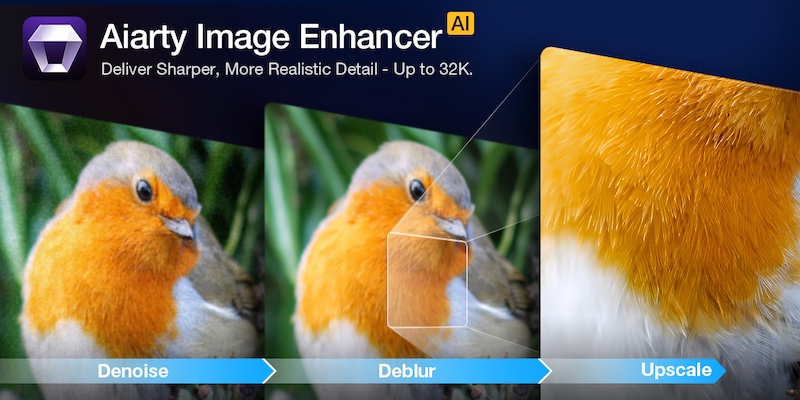
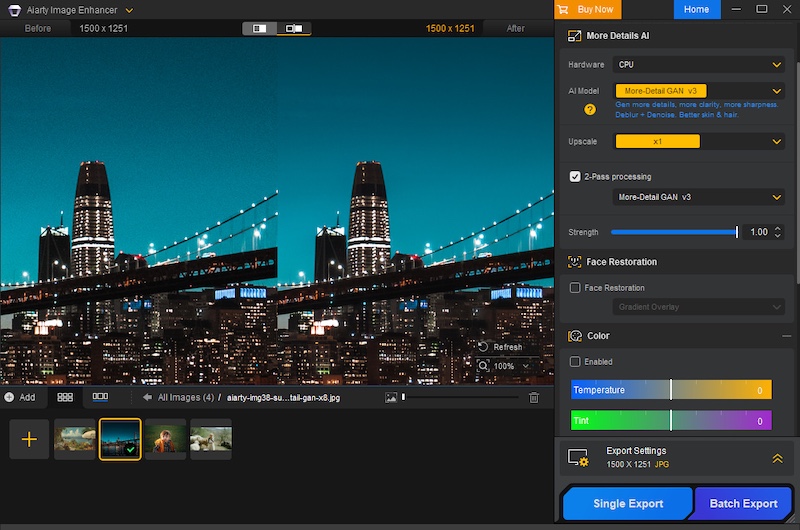
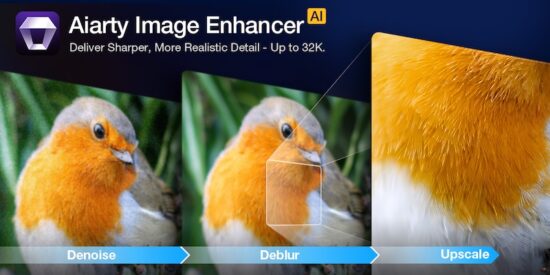
Aiarty Image Enhancer is designed to simplify this crucial post-processing step. It acts as an efficient specialist tool that quickly and automatically uses AI to denoise, deblur, sharpen, and upscale your photos. This approach hands you a clean, high-fidelity foundation, allowing you to spend less time fighting pixels and more time on the final artistic grade.

Christmas Special Offer: 49% off Lifetime License + extra $5 coupon

If you are tired of monthly subscriptions piling up, this offer is specifically for you. In celebration of Christmas, Aiarty is offering 49% off Aiarty Image Enhancer Lifetime License. And that’s not all! You can also use the limited-time coupon “XMASSAVE” to save an extra $5. Originally priced at $155, now you can grab it for just $74 – the lowest-ever price!

With your purchase, you’ll enjoy:

  • Full access to all features and lifetime free updates
  • Installation on up to 3 Windows or Mac computers
  • 30-day money back guarantee
  • One-time payment, no subscriptions or hidden fees

This is arguably one of the best value propositions in photo enhancement software this year. But is the software worth it? Let’s break down the performance.

Deep Dive: Why Aiarty Image Enhancer Belongs in Your Workflow

1. AI Denoise: The High-ISO Savior

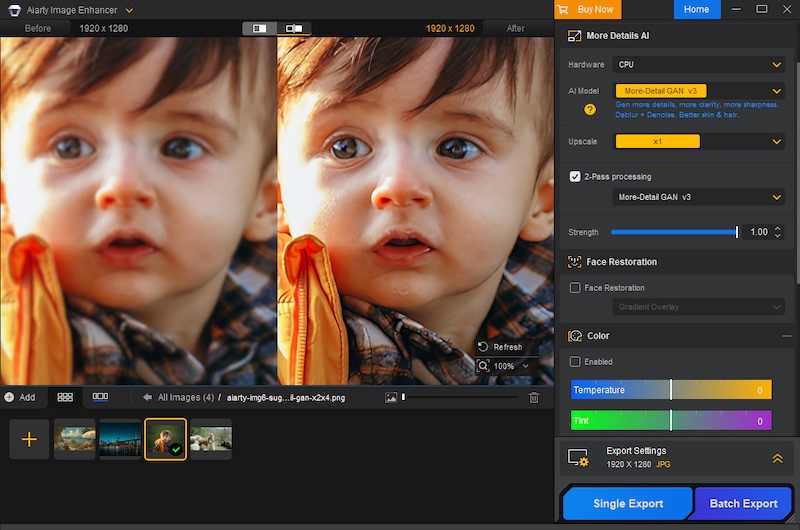
Noise is the enemy of detail. Whether you are shooting indoor events, astrophotography, or wildlife at dawn, pushing your ISO is often necessary. Traditional noise reduction software works by blurring the image to hide the grain, which often results in the dreaded “waxy skin” effect or loss of fine textures like fabric or fur.

Aiarty uses advanced AI denoise technology to intelligently analyze the image. It distinguishes between luminance noise, chroma noise, and actual image detail. It allows you to remove noise from images without sacrificing the sharpness that your expensive lenses provide.
2. De-blur & Sharpening: Fixing the “Almost Perfect” Shot

Blur comes in many forms, and Aiarty tackles them all.

  • Camera Shake: Even with IBIS (In-Body Image Stabilization), handheld shots at slow shutter speeds can suffer from micro-jitters.
  • Motion Blur: Subjects don’t always stay still. A moving child, a running pet, or a swaying branch can ruin a shot.
  • Lens Softness: We all love vintage lenses or wide-open apertures, but they often lack sharpness at the edges.

Aiarty doesn’t just apply a “sharpening mask” which increases contrast at edges. Instead, it hallucinates (in a good way) the missing pixel data to reverse the blur. It restores edge definition and clarity without introducing the artificial white halos or “crunchy” look associated with over-sharpening.
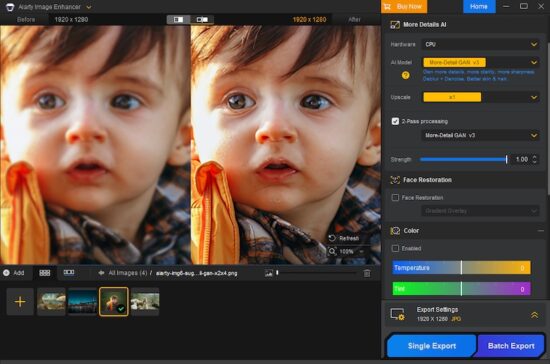
3. The Upscaling Powerhouse: From Crop to Print

The freedom to crop is a luxury. Sometimes, your 200mm lens isn’t long enough, and you have to crop 50% or more of the frame to get the composition you want. In the past, such heavy cropping drastically reduced pixel density, rendering images unsuitable for large-format printing.

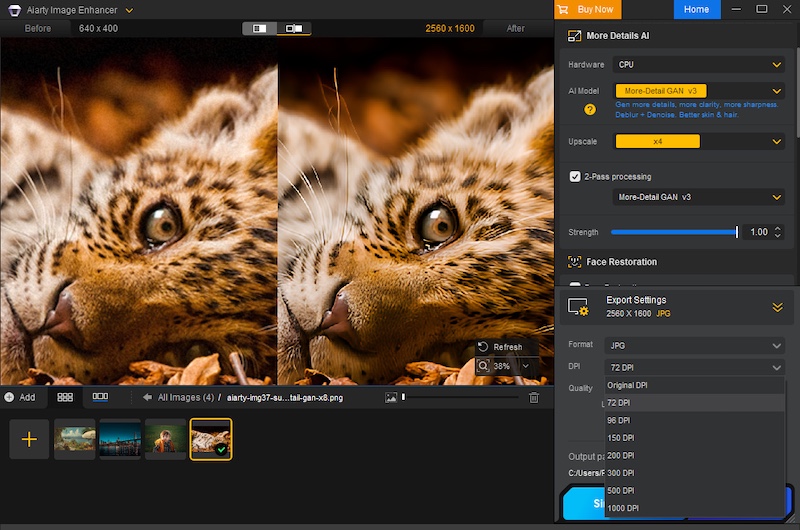
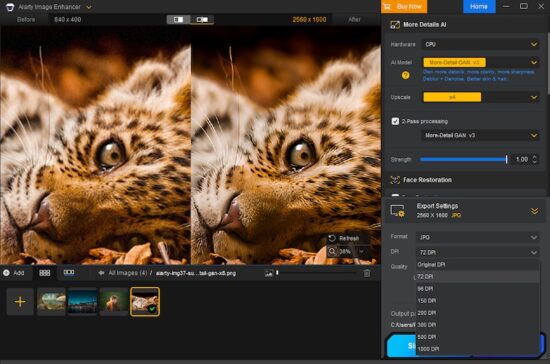
Aiarty excels in AI upscaling. Leveraging deep learning algorithms, it can enhance image resolution to 4K, 8K, 16K, and even up to 32K. Crucially, it generates new, realistic details and textures—like feathers, individual strands of hair, or intricate fabric patterns—rather than simply stretching pixels. This means you can crop without fear, transforming what would have been small, social media-only images into print-ready, large-format works with every pixel looking sharp and natural.

Furthermore, Aiarty allows for precise control over your output, enabling you to set custom DPI values directly within the software, a critical feature for professional printing workflows.
4. One-Stop Color & Tone Correction

While most professionals stick to Lightroom for grading, Aiarty includes a surprisingly robust set of adjustment tools. This is particularly useful for a “One-Stop” workflow. If you are rescuing an old, faded family photo or a poorly exposed JPEG where the RAW data isn’t available, you don’t need to open another app.

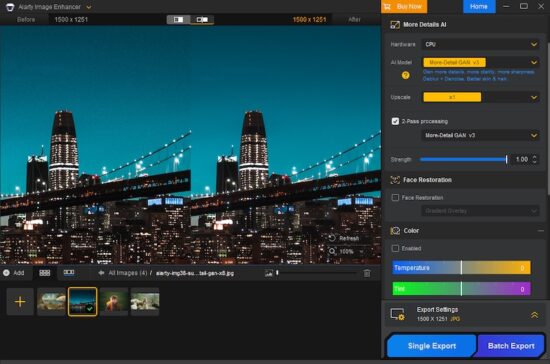
You can adjust temperature, tint, exposure, contrast, highlights, and shadows directly within the interface. It is perfect for quickly reviving the dynamic range and color vibrancy of an image immediately after denoising or upscaling.

Professional Workflow Features

  1. Extensive Format Support (Including RAW)

It doesn’t just handle JPEGs. It supports a vast array of input formats including HEIC, TIFF, PNG, and crucially, RAW files. It works seamlessly with .CR3 (Canon), .ARW (Sony), .NEF (Nikon), .RAF (Fujifilm), .DNG, and virtually every other proprietary RAW format from Leica, Panasonic, Olympus, and Hasselblad. This means you can integrate it right at the start of your editing pipeline.

  1. Hardware Acceleration

Processing AI models is demanding. Aiarty is optimized for GPU acceleration (NVIDIA, AMD, Intel), dramatically cutting down processing time and ensuring a much smoother workflow, particularly when dealing with large-format files or applying complex enhancements across batches.

  1. Batch Processing

Have a folder of 500 shots from a wedding that were shot at ISO 3200? You don’t need to edit them one by one. You can batch process thousands of images.

  1. Granular Control
  • Flexible Scaling: Many AI enhancement tools restrict control to fixed ratios (e.g., only 2x upscaling). Aiarty provides flexibility. It allows users to freely select the enlargement multiplier or directly set the final target resolution.
  • Strength Slider: The software offers an intensity slider to manually adjust the strength of the AI enhancement and sharpening. This ensures you can achieve the optimal balance between maximum quality improvement and preserving the image’s natural, artifact-free look.

Verdict: Don’t Miss This Deal

In the world of photography, “saving” a photo used to mean spending hours cloning and masking in Photoshop. Aiarty Image Enhancer turns that into a simple, automated process. It is the perfect companion to your existing RAW editor, stepping in when you need to go beyond the limits of your sensor.

With the Christmas Lifetime Deal, you aren’t just buying software; you are buying an insurance policy for your images. No monthly fees, just permanent access to better image quality.

Get the Aiarty Image Enhancer Lifetime License for just $74! Grab it before this limited-time holiday deal ends!

Enhance your photos effortlessly this season and make your memories shine like never before!

The post Aiarty Image Enhancer instantly fixes blurry, grainy, and low-res photos (49% off lifetime license + extra Xmas coupon) appeared first on Photo Rumors.

  •  

2025 DxO Black Friday deals (including coupon code for an additional 5% off)


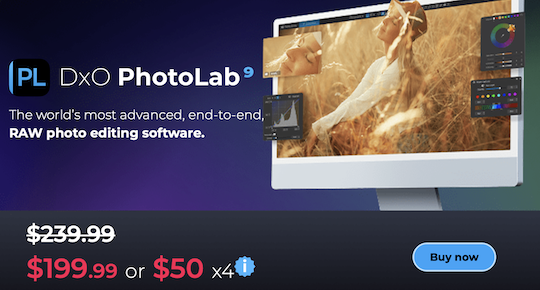
The 2025 DxO Black Friday offers up to 50% off their products. You can get an additional 5% off DxO products, in addition to the already reduced prices, with the coupon code RUMORS when you purchase from this link (valid for new customers only). Here is the breakdown of the deals (those offers will end on Tuesday, December 2):

DxO PhotoLab 9

  • New customers: Save $40 — $199.99 instead of $239.99
  • DxO PhotoLab 7 or 8 owners: Save $20 — $99.99 instead of $119.99


Nik Collection 8

  • New customers: Save $30 — $139.99 instead of $169.99
  • Nik Collection 6 or 7: Save $15 — $84.99 instead of $99.99


DxO FilmPack 8

  • New customers: Save $20 — $129.99 instead of $149.99
  • DxO FilmPack 7 owners: Save $10 — $79.99 instead of $89.99


DxO PureRAW 5

  • New customers: Save $30 — $99.99 instead of $129.99
  • DxO PureRAW 3 or 4 owners: Save $15 — $74.99 instead of $89.99


DxO ViewPoint 5

  • New customers: Save $60 — $59.99 instead of $119.99
  • DxO ViewPoint 4 owners: Save $25 — $54.99 instead of $79.99

The DxO library now has 106,937 different Optics Modules profiles:

DxO added support for the latest cameras & lenses from Nikon, Canon, Ricoh, Fujifilm, Sigma, Tamron, Tokina, Samyang, Voigtländer, and Laowa (1,078 new optics modules introduced)

DxO recently released PhotoLab 9.2, PureRAW 5.5, and Nik Collection 8.2:

DxO released PhotoLab 9.2, PureRAW 5.5, and Nik Collection 8.2 (exclusive 15% off coupon included)

The post 2025 DxO Black Friday deals (including coupon code for an additional 5% off) appeared first on Photo Rumors.

  •  

Aftershoot Black Friday Deals


The Aftershoot Black Friday Deals are now live:

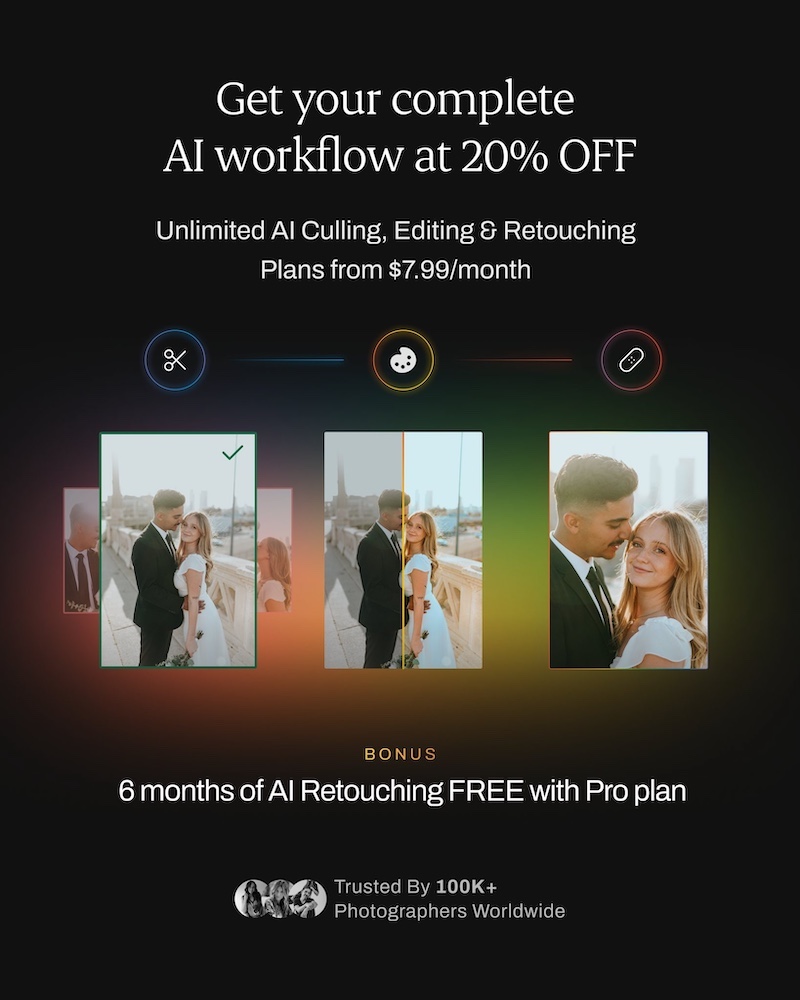
  • Get 20% off unlimited AI Culling, Editing, and Retouching starting at $7.99/month.
  • BONUS: Get 6 months of AI Retouching free when you join with the Pro plan this Black Friday.


Additional information on Aftershoot:

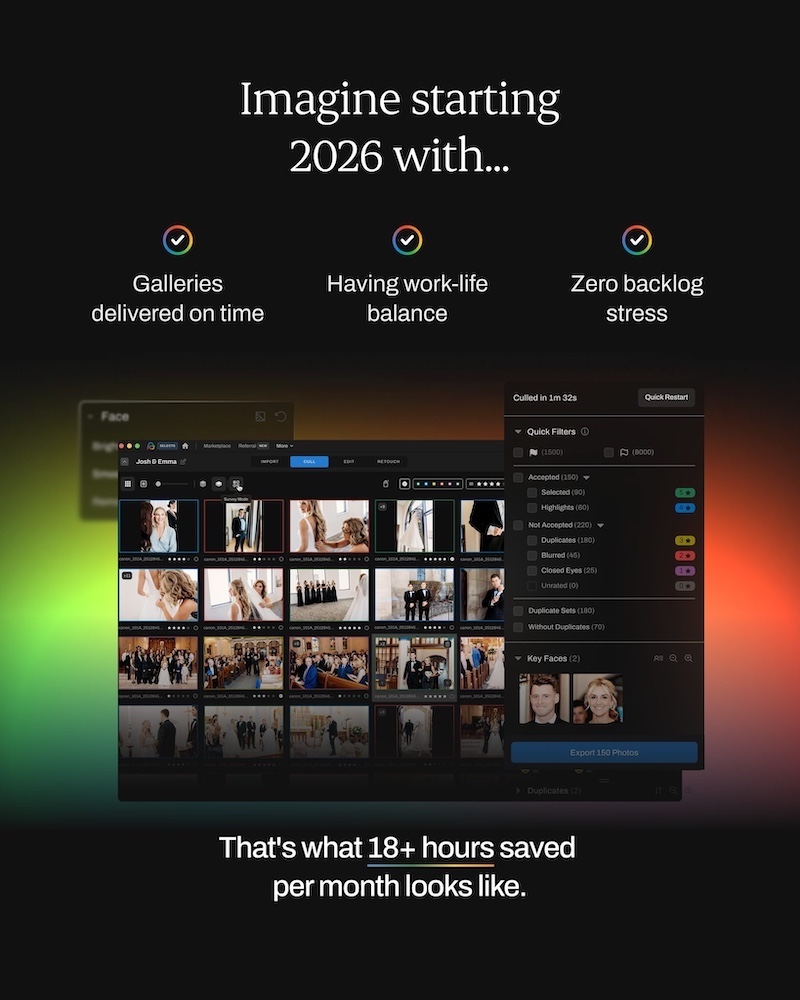
AfterShoot is an AI-Powered Photo Workflow Tool for Photographers

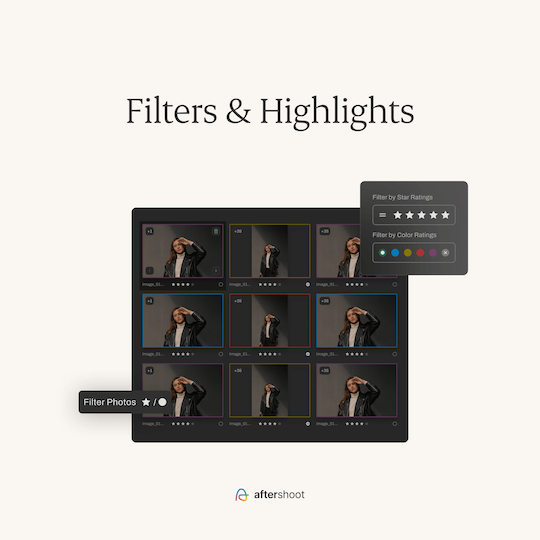
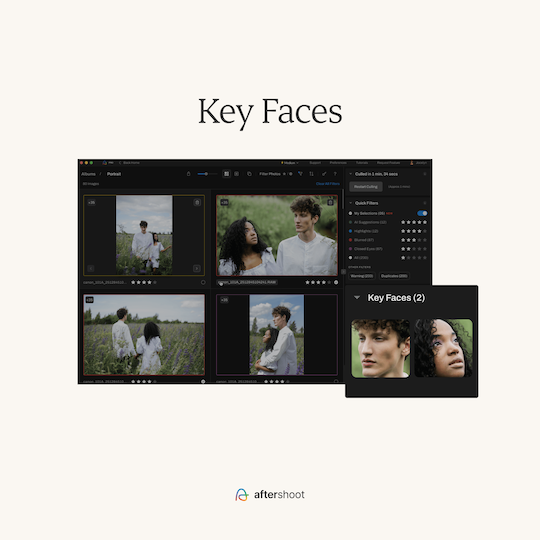
AfterShoot is an all-in-one, AI-driven software platform designed specifically for photographers to automate and accelerate the post-production process. It handles culling (selecting the best shots from a shoot), editing (applying consistent adjustments like exposure and color grading), and retouching (subtle enhancements such as skin smoothing or blemish removal), allowing users to spend more time shooting and less on tedious desk work. The tool runs entirely offline on Windows or MacOS computers (requiring at least 8GB RAM and a modern CPU), supporting RAW and JPEG files from most major cameras—no internet upload or complex setup needed.

Here are some of the available Aftershoot features:

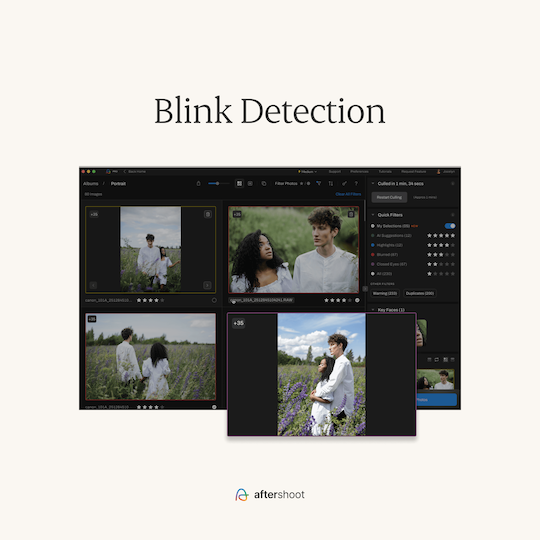
AI Culling 

Automatically sorts and ranks photos based on sharpness, composition, and duplicates, learning from your preferences to improve accuracy over time:

  • AI analyzes 30+ factors to rank the best photos.
  • Software continuously improves with updates.
  • Options: manual, AI-assisted, or fully automated culling (customizable for user comfort).

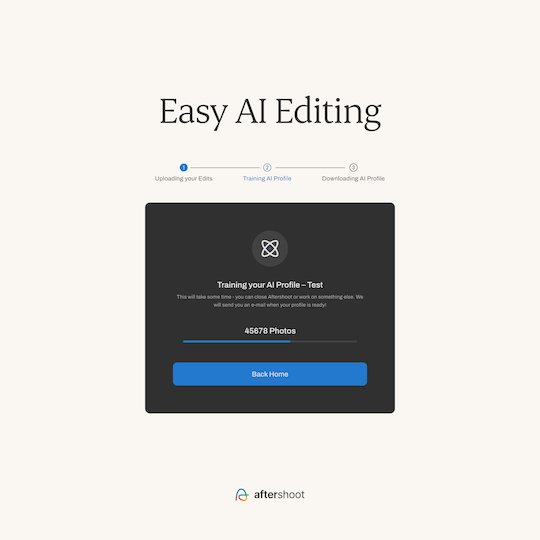
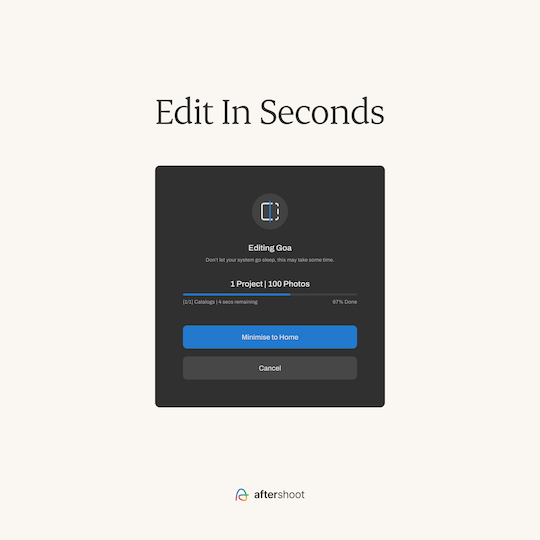
AI Editing

Applies batch edits that match your style, such as white balance, lens corrections, and creative presets:

  • Works offline.
  • AI learns user style and improves with use.
  • Pro profiles & instant profiles available.
  • Lightroom + Capture One integration.
  • Marketplace with pre-built paid and free profiles from well-known photographers (growing library).

AI Retouching

New feature for natural-looking touch-ups, including wrinkle/blemish removal, teeth whitening, and skin enhancements that mimic professional human retouching:

  • Natural look, no plastic/polished skin.
  • Skin smoothing, blemish & wrinkle removal, teeth whitening.
  • Glasses glare & stray hair removal.
  • Real-looking results, designed to keep skin texture without overdoing it.

Personalization

  • The AI adapts to your individual editing style by observing your actions, ensuring outputs feel custom rather than generic.

Unlimited Processing

  • Handles as many images as you want without per-image fees or storage limits.

More Black Friday deals can be found here:

BLACK FRIDAY

The post Aftershoot Black Friday Deals appeared first on Photo Rumors.

  •  

Apple Brings Its App Store To the Web

Apple has officially launched a web-based version of its App Store that lets users browse apps across all Apple devices through a redesigned interface. "There's no way to download apps from the App Store on the web, however," notes The Verge. "Apple just gives you the option to share an app or open it directly inside the App Store installed on your device." From the report: Now, when you navigate to apps.apple.com, you'll see the revamped interface instead of a webpage that just contains information about the App Store. [...] Along with the ability to switch between listings of apps for the iPhone, iPad, Mac, Vision Pro, Apple Watch, and Apple TV, you can check out recommendations on the Today tab as well as sort apps by category, such as productivity, entertainment, adventure, and more. The new web-based App Store also serves as a portal where you can search for apps, too.

Read more of this story at Slashdot.

  •  

Affinity's Image-Editing Apps Go 'Freemium' in First Major Post-Canva Update

ArsTechnica: When graphic design platform-provider Canva bought the Affinity image-editing and publishing apps early last year, we had some major questions about how the companies' priorities and products would mesh. How would Canva serve the users who preferred Affinity's perpetually licensed apps to Adobe's subscription-only software suite? And how would Affinity's strong stance against generative AI be reconciled with Canva's embrace of those technologies. This week, Canva gave us definitive answers to all of those questions: a brand-new unified Affinity app that melds the Photo, Designer, and Publisher apps into a single piece of software called "Affinity by Canva" that is free to use with a Canva user account, but which gates generative AI features behind Canva's existing paid subscription plans ($120 a year for individuals). This does seem like mostly good news, in the near to mid term, for existing Affinity app users who admired Affinity's anti-AI stance: All three apps' core features are free to use, and the stuff you're being asked to pay for is stuff you mostly don't want anyway. But it may come as unwelcome news for those who like the predictability of pay-once-own-forever software or are nervous about where Canva might draw the line between "free" and "premium" features down the line. [...] There's now a dedicated page for the older versions of the Affinity apps, and an FAQ at the bottom of that page answers several questions about the fate of those apps. Affinity and Canva say they will continue to keep the activation servers and downloads for all Affinity v1 and v2 apps online for the foreseeable future, giving people who already own the existing apps a way to keep using the versions they're comfortable with. Users can opt to link their Serif Affinity store accounts to their new Canva accounts to access the old downloads without juggling multiple accounts. But those older versions of the apps "won't receive future updates" and won't be able to open files created in the new Canva-branded Affinity app.

Read more of this story at Slashdot.

  •