Vue lecture

T2 Linux Restores XAA In Xorg, Making 2D Graphics Fast Again

Berlin-based T2 Linux developer René Rebe (long-time Slashdot reader ReneR) is announcing that their Xorg display server has now restored its XAA acceleration architecture, "bringing fixed-function hardware 2D acceleration back to many older graphics cards that upstream left in software-rendered mode." Older fixed-function GPUs now regain smooth window movement, low CPU usage, and proper 24-bit bpp framebuffer support (also restored in T2). Tested hardware includes ATi Mach-64 and Rage-128, SiS, Trident, Cirrus, Matrox (Millennium/G450), Permedia2, Tseng ET6000 and even the Sun Creator/Elite 3D. The result: vintage and retro systems and classic high-end Unix workstations that are fast and responsive again.

Read more of this story at Slashdot.

  •  

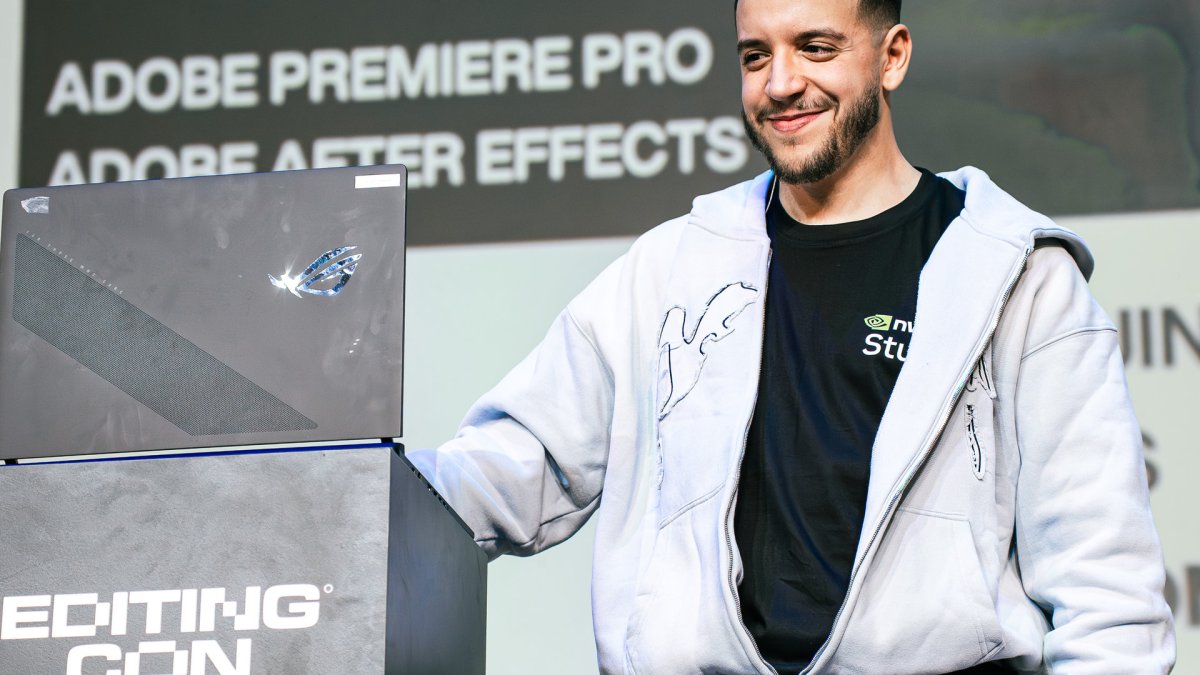
NVIDIA Studio : le secret des monteurs de Mastu et Michou pour booster leur productivité [Sponso]

Cet article a été réalisé en collaboration avec NVIDIA

Les puces graphiques conçues par NVIDIA servent également à booster votre productivité. Les créatifs de tous bords – montage vidéo, motion design, modélisation 3D – peuvent tirer parti de leurs spécificités grâce à NVIDIA Studio.

Cet article a été réalisé en collaboration avec NVIDIA

Il s’agit d’un contenu créé par des rédacteurs indépendants au sein de l’entité Humanoid xp. L’équipe éditoriale de Numerama n’a pas participé à sa création. Nous nous engageons auprès de nos lecteurs pour que ces contenus soient intéressants, qualitatifs et correspondent à leurs intérêts.

En savoir plus

  •  

GameHub Will Give Mac Owners Another Imperfect Way To Play Windows Games

An anonymous reader quotes a report from Ars Technica: For a while now, Mac owners have been able to use tools like CrossOver and Game Porting Toolkit to get many Windows games running on their operating system of choice. Now, GameSir plans to add its own potential solution to the mix, announcing that a version of its existing Windows emulation tool for Android will be coming to macOS. Hong Kong-based GameSir has primarily made a name for itself as a manufacturer of gaming peripherals -- the company's social media profile includes a self-description as "the Anti-Stick Drift Experts." Early last year, though, GameSir rolled out the Android GameHub app, which includes a GameFusion emulator that the company claims "provides complete support for Windows games to run on Android through high-precision compatibility design." In practice, GameHub and GameFusion for Android haven't quite lived up to that promise. Testers on Reddit and sites like EmuReady report hit-or-miss compatibility for popular Steam titles on various Android-based handhelds. At least one Reddit user suggests that "any Unity, Godot, or Game Maker game tends to just work" through the app, while another reports "terrible compatibility" across a wide range of games. With Sunday's announcement, GameSir promises a similar opportunity to "unlock your entire Steam library" and "run Win games/Steam natively" on Mac will be "coming soon." GameSir is also promising "proprietary AI frame interpolation" for the Mac, following the recent rollout of a "native rendering mode" that improved frame rates on the Android version. There are some "reasons to worry" though, based on the company's uneven track record. The Android version faced controversy for including invasive tracking components, which were later removed after criticism. There were also questions about the use of open-source code, as GameSir acknowledged referencing and using UI components from Winlator, even while maintaining that its core compatibility layer was developed in-house.

Read more of this story at Slashdot.

  •  

Microsoft Begins the First-Ever Secure Boot Certificate Swap Across Windows Ecosystem

Microsoft has begun automatically replacing the original Secure Boot security certificates on Windows devices through regular monthly updates, a necessary move given that the 15-year-old certificates first issued in 2011 are set to expire between late June and October 2026. Secure Boot, which verifies that only trusted and digitally signed software runs before Windows loads, became a hardware requirement for Windows 11. A new batch of certificates was issued in 2023 and already ships on most PCs built since 2024; nearly all devices shipped in 2025 include them by default. Older hardware is now receiving the updated certificates through Windows Update, starting last month's KB5074109 release for Windows 11. Devices that don't receive the new certificates before expiration will still function but enter what Microsoft calls a "degraded security state," unable to receive future boot-level protections and potentially facing compatibility issues down the line. Windows 10 users must enroll in Microsoft's paid Extended Security Updates program to get the new certificates. A small number of devices may also need a separate firmware update from their manufacturer before the Windows-delivered certificates can be applied.

Read more of this story at Slashdot.

  •  

Microsoft Adds Sysmon To Windows

Microsoft has finally delivered on its promise to integrate Sysmon -- the long-standing system monitoring tool from its Sysinternals suite -- directly into Windows, a move that should make life considerably easier for enterprise administrators who have struggled with deploying and managing the utility across thousands of endpoints. The functionality landed this week in Windows Insider builds 26300.7733 (Dev channel) and 26220.7752 (Beta channel). Sysmon allows administrators to capture system events through custom configuration files, filter for specific activity, and pipe the data into standard Windows event logs for pickup by security tools and SIEM pipelines. Mark Russinovich, Microsoft technical fellow and Winternals co-founder, has previously noted the lack of official customer support for Sysmon in production environments -- a gap this integration addresses. The feature ships disabled by default and requires PowerShell to enable. Microsoft notes that any existing Sysmon installation must be uninstalled before activating the built-in version.

Read more of this story at Slashdot.

  •  

Des mises à jour étendues de Windows 10 avec ConsumerESU

Suite à ce billet d’Octobre 2025 où j’expliquais que l’Europe allait avoir droit à des mises à jour étendues de Windows 10 et ce billet d’avril qui indique comment basculer vers Windows 11 avec Flyby11 pour un PC pas forcément jugé apte par Microsoft. Je reçois de nombreuses demandes au sujet des mises à jour de Windows 10 que Microsoft poursuit en Europe. Surtout de la part de personnes qui ont peur de l’option Flyby11 pour des raisons qui leurs sont propres.

Avant le passage de ConsumerESU

Avant le passage de ConsumerESU

ConsumerESU à la rescousse

Il existe une solution alternative qui permet de pousser facilement les mises à jour étendues de Windows 10 sur son poste avec ou SANS compte Microsoft. Il s’agit d’un script baptisé ConsumerESU qui active les ESU (Extended Security Updates) en quelques manipulations simples. Testé par mes soins suite à de nombreux témoignages, la méthode est simple et a déjà fait ses preuves. 

Première étape, on télécharge ConsumerESU sur Github. Sur la page, on clique sur <> code et on choisit l’option « Download ZIP ». Une fois le téléchargement terminé on extrait les fichiers dans un répertoire facile a retrouver.

Dans ce répertoire, on va simplement cliquer avec le bouton droit de la souris sur le fichier Consumer_ESU_Enrollment_run.cmd pour pouvoir choisir l’option « Exécuter en tant qu’administrateur« .  Le programme se met alors en route en ligne de commande et lance la procédure.

Suivez l’activité à l’écran et… c’est tout. Au bout de quelques instants, cela dépend de plusieurs paramètres mais n’excède pas quelques dizaines de secondes au pire sur un vieux Celeron, la machine vous propose d’appuyer sur une lettre pour quitter la fenêtre. Vous n’avez plus qu’à lancer vos mises à jour pour vérifier que tout fonctionne.

Après le passage de ConsumerESU

Après le passage de ConsumerESU

Si vous rencontrez un échec ou que vous avez des erreurs, ce qui peut arriver dans de rares cas et notamment si vous n’avez pas fait les dernières mises à jour de Windows 10 avant leur arrêt, vous pouvez regarder la documentation sur Github. Mais pour avoir exécuté le script ConsumerESU sur une douzaine de machines jusqu’à aujourd’hui, je n’ai pas eu de problèmes.

Des mises à jour étendues de Windows 10 avec ConsumerESU © MiniMachines.net. 2025

  •  

Microsoft is Experimenting With a Top Menu Bar for Windows 11

An anonymous reader shares a report: Microsoft's PowerToys team is contemplating building a top menu bar for Windows 11, much like Linux, macOS, or older versions of Windows. The menu bar, or Command Palette Dock as Microsoft calls it, would be a new optional UI that provides quick access to tools, monitoring of system resources, and much more. Microsoft has provided concept images of what it's looking to build, and is soliciting feedback on whether Windows users would use a PowerToy like this. "The dock is designed to be highly configurable," explains Niels Laute, a senior product manager at Microsoft. "It can be positioned on the top, left, right, or bottom edge of the screen, and extensions can be pinned to three distinct regions of the dock: start, center, and end."

Read more of this story at Slashdot.

  •  

Windows 11 Has Reached 1 Billion Users Faster Than Windows 10

An anonymous reader shares a report: Windows 11 now has one billion users. Microsoft hit the milestone during the recent holiday quarter, meaning Windows 11 has managed to reach one billion users faster than Windows 10 did nearly six years ago. "Windows reached a big milestone, 1 billion Windows 11 users," said Microsoft CEO Satya Nadella on the company's fiscal Q2, 2026 earnings call. "Up over 45 percent year-over-year." The growth of Windows 11 over the past quarter will be related to Microsoft's end of support for Windows 10, which also helped increase Microsoft's Windows OEM revenues.

Read more of this story at Slashdot.

  •  

PowerShell Architect Retires After Decades At the Prompt

Jeffrey Snover, the driving force behind PowerShell, has retired after a career that reshaped Windows administration. The Register reports: Snover's retirement comes after a brief sojourn at Google as a Distinguished Engineer, following a lengthy stint at Microsoft, during which he pulled the company back from imposing a graphical user interface (GUI) on administrators who really just wanted a command line from which to run their scripts. Snover joined Microsoft as the 20th century drew to a close. The company was all about its Windows operating system and user interface in those days -- great for end users, but not so good for administrators managing fleets of servers. Snover correctly predicted a shift to server datacenters, which would require automated management. A powerful shell... a PowerShell, if you will. [...] Over the years, Snover has dropped the occasional pearl of wisdom or shared memories from his time getting PowerShell off the ground. A recent favorite concerns the naming of Cmdlets and their original name in Monad: Function Units, or FUs. Snover wrote: "This abbreviation reflected the Unix smart-ass culture I was embracing at the time. Plus I was developing this in a hostile environment, and my sense of diplomacy was not yet fully operational." Snover doubtless has many more war stories to share. In the meantime, however, we wish him well. Many admins owe Snover thanks for persuading Microsoft that its GUI obsession did not translate to the datacenter, and for lengthy careers in gluing enterprise systems together with some scripted automation.

Read more of this story at Slashdot.

  •  
❌